


 TALLY PRIME ERP
 ZOHO ONE ERP
 VAYPAR
 ODOO ERP
 SAP Business One
 ORACLE NetSuite
 Biz Analyst
 CUSTOMISED POS SOFTWARES

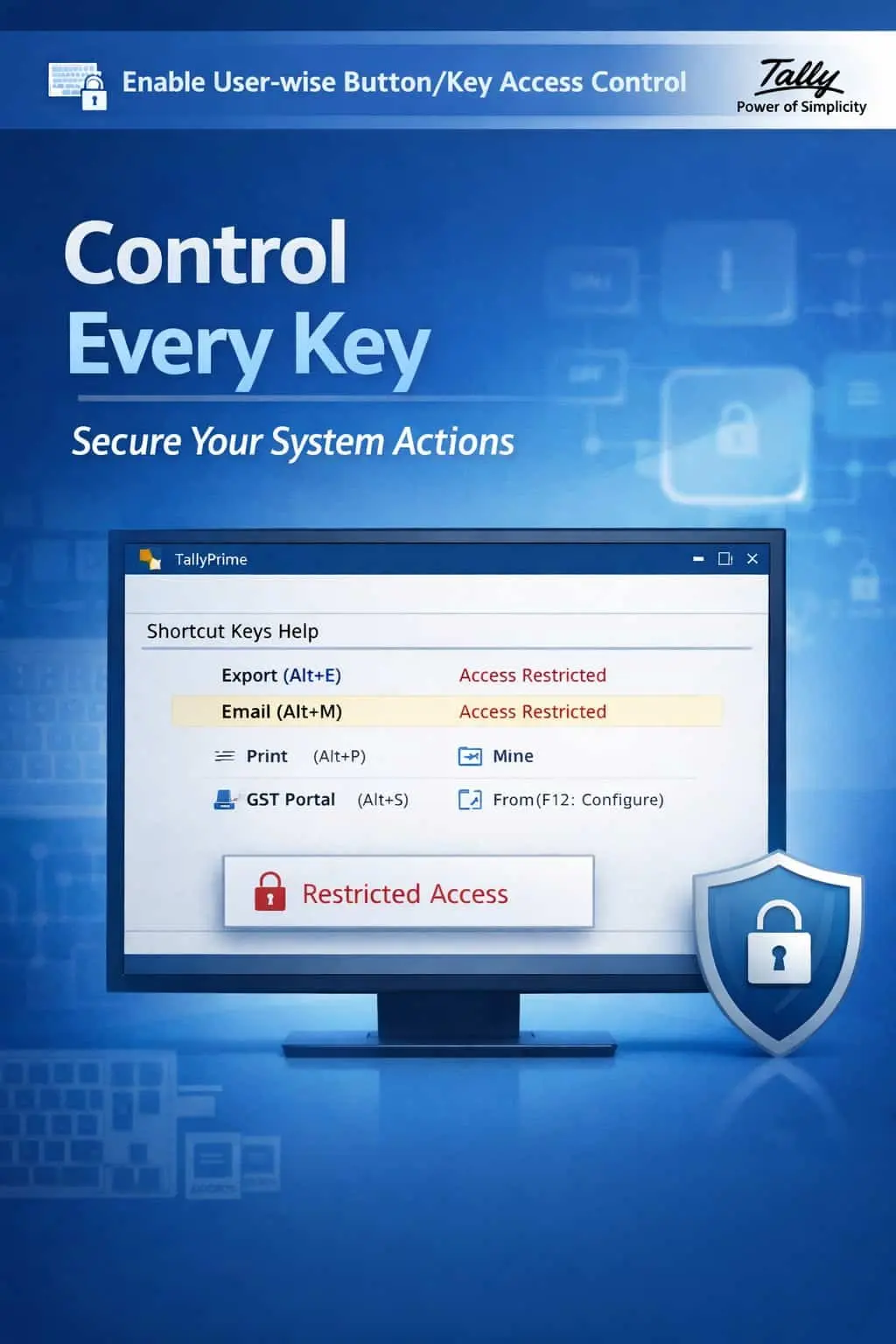
Enable User-wise Button/Key Access Control
Restrict Shortcut Keys & Buttons User-Wise for Superior Security & System Control
GET NOWEnable User-wise Button/Key Access Control in TallyPrime
Restrict Shortcut Keys & Buttons User-Wise for Superior Security & System Control
TallyPrime offers a wide range of shortcut keys and buttons that allow users to perform critical operations quickly. But when every user has unrestricted access to all shortcuts and buttons, it opens the door to accidental data changes, security breaches, and a complete lack of discipline in data handling.
Users can perform critical operations like deleting vouchers or altering masters using unrestricted shortcut keys.
Junior staff may unintentionally modify or delete important data by pressing restricted shortcut keys.
Access to export, print, or modify functions through shortcuts can lead to data theft or tampering.
Without button-level control, there is no way to enforce proper workflows and data entry procedures.
The User-wise Button/Key Access Control Add-on gives administrators complete control over which buttons and shortcut keys each user can access in TallyPrime.
This add-on allows you to selectively disable or hide specific shortcut keys and buttons for individual users. With this add-on installed, TallyPrime can:
Block access to dangerous shortcut keys like Alt+D (Delete), Ctrl+Enter (Alter), or Ctrl+Q (Quit) for specific users.
Hide specific on-screen buttons from users who should not have access to those functions.
Create different key/button permission sets for different user roles such as data entry operators, accountants, and managers.
Ensure users follow the correct workflow by blocking shortcuts that allow them to bypass standard procedures.
Shortcut keys are powerful but dangerous when misused. A single accidental keystroke can delete critical vouchers, alter master data, or export sensitive information. This add-on ensures that only authorized users can perform high-risk operations.
User-wise Key Restriction
Define exactly which shortcut keys each user can and cannot use in TallyPrime.
Button-Level Access Control
Hide or disable specific on-screen buttons for individual users or user groups.
Role-Based Permissions
Assign button and key permissions based on user roles, departments, or seniority levels.
System-Wide Protection
Restrictions apply across all screens and functions in TallyPrime for comprehensive security.
Lightweight & Instant
Applies restrictions instantly without affecting TallyPrime's performance or speed.
- ✔Enhanced Data Security: Prevent unauthorized access to critical functions through shortcut keys and buttons.
- ✔Minimized Accidental Errors: Block dangerous shortcuts for junior users, reducing the risk of accidental data modification or deletion.
- ✔Improved Accountability: Clear user-wise restrictions ensure every action is intentional and traceable.
- ✔Professional Discipline: Enforce structured workflows and prevent users from bypassing standard operating procedures.
🏢 SMEs
Small businesses can restrict data entry operators from using delete or alter shortcuts, protecting data integrity.
💼 Accounting Firms
Firms can create role-based key maps, allowing senior accountants full access while restricting junior staff.
🛒 Retailers
Retail businesses can disable export and print shortcuts for counter staff, preventing data leakage.
Add Your Review
Your email address will not be published. Required fields are marked *
Upload photos