


 TALLY PRIME ERP
 ZOHO ONE ERP
 VAYPAR
 ODOO ERP
 SAP Business One
 ORACLE NetSuite
 Biz Analyst
 CUSTOMISED POS SOFTWARES

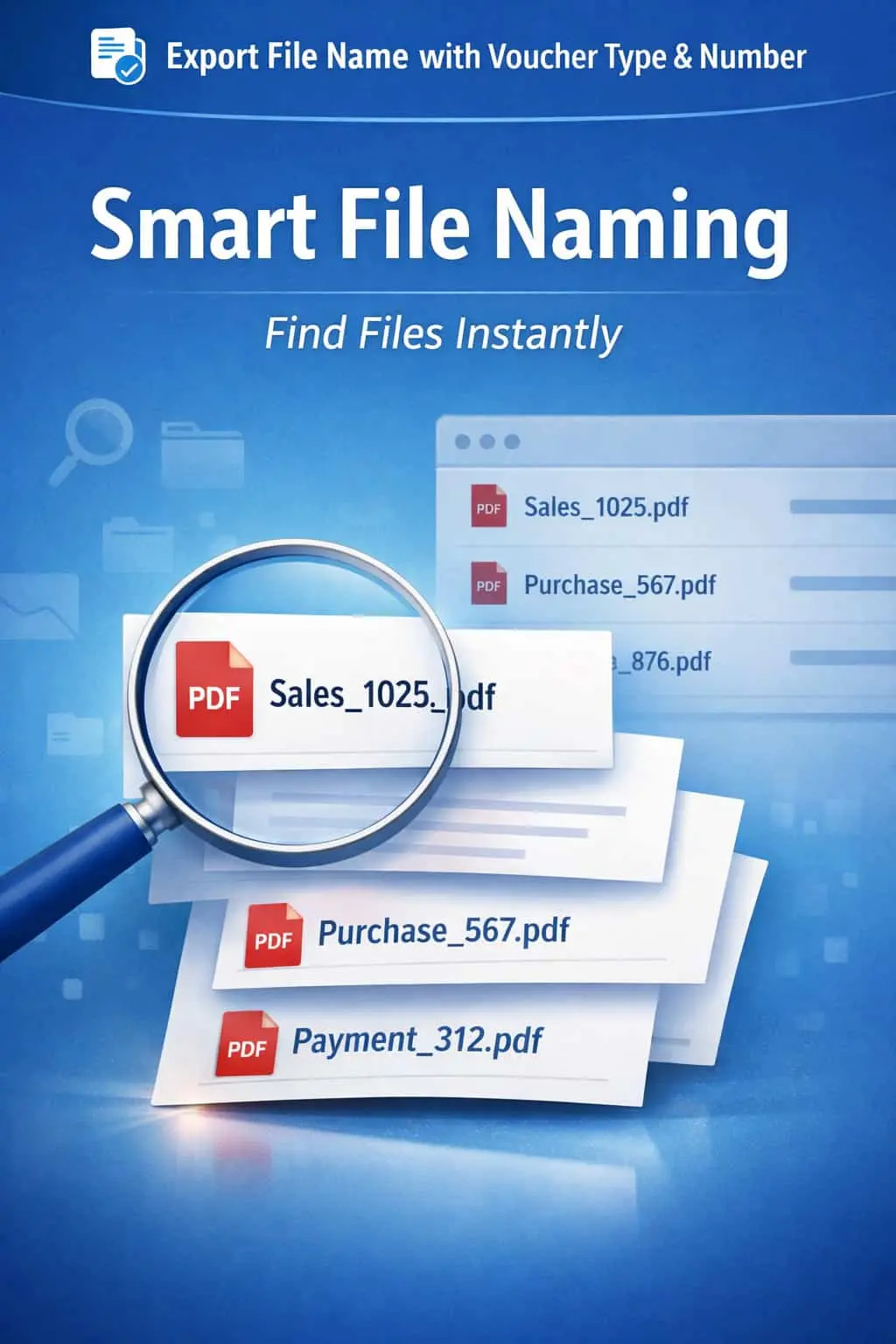
Export File Name with Voucher Type & Number
Automatically Rename Exported Files for Smarter File Management & Organized Records
Export File Name with Voucher Type & Number in TallyPrime
Automatically Rename Exported Files for Smarter File Management & Organized Records
Exporting invoices and vouchers as PDFs or Excel sheets is a daily task for most businesses. However, TallyPrime's default export naming is often generic (e.g., sales.pdf), which leads to significant document management issues:
New exports often overwrite previous ones because they share the same default name.
Spending hours manually renaming files to "Sales_Inv_101.pdf" before emailing them.
Difficulty in finding a specific invoice in a folder full of "invoice(1).pdf", "invoice(2).pdf".
Sending files with generic names to clients looks unorganized and unprofessional.
The Export File Name with Voucher Type & Number Add-on by Pragyantra automates this entire process, ensuring every exported file is uniquely and intelligently named.
This add-on is a custom Tally module that overrides the default naming logic of the export function. With this add-on installed, Tally can:
Automatically generates names like Sales_Invoice_1025.pdf or Payment_58.xlsx.
Includes both the Voucher Type and the Voucher Number directly in the file name.
(Optional) Can also be configured to include the Party Name for even better tracking.
Know exactly what a file contains without even opening it.
In a digital office, organized documentation is a necessity, not a luxury. If your accounting team exports hundreds of vouchers for the Auditor or for client communication, manual renaming is a massive waste of productive time. The Pragyantra Export Naming Add-on provides speed and structure, making your digital archives easy to search and audit.
Automated File Naming
Eliminates the prompt for file names by generating them based on the transaction details.
Voucher Type & Number Prefix
Every file is prefixed with its category and unique serial number for perfect chronological storage.
Multi-Format Support
Works seamlessly whether you are exporting to PDF, Excel, JPEG, or XML.
Prevent Duplicate Overwrites
Since every voucher number is unique, your exported files will never overwrite each other.
Lightweight TDL Architecture
Highly optimized code that works instantly during the export command (Ctrl+E) without any lag.
-
✔
Massive Time Savings: Save 10-20 seconds per export — hours of work over a month.
-
✔
Better Organized Archives: Your export folder becomes a neatly indexed digital library.
-
✔
Professional Client Interaction: Clients receive clearly named files, making it easier for them to manage your invoices.
-
✔
Effortless Auditing: Share a batch of exported vouchers with your Auditor that are already perfectly named and numbered.
📚 CA & Tax Consultants
Exporting entire months of vouchers for audit without manual renaming.
🛒 E-commerce Sellers
Managing thousands of sales invoices with unique order numbers.
📦 Wholesalers
Sharing dispatch-wise delivery notes and invoices with transport teams and customers.
Add Your Review
Your email address will not be published. Required fields are marked *
Upload photos