


 TALLY PRIME ERP
 ZOHO ONE ERP
 VAYPAR
 ODOO ERP
 SAP Business One
 ORACLE NetSuite
 Biz Analyst
 CUSTOMISED POS SOFTWARES

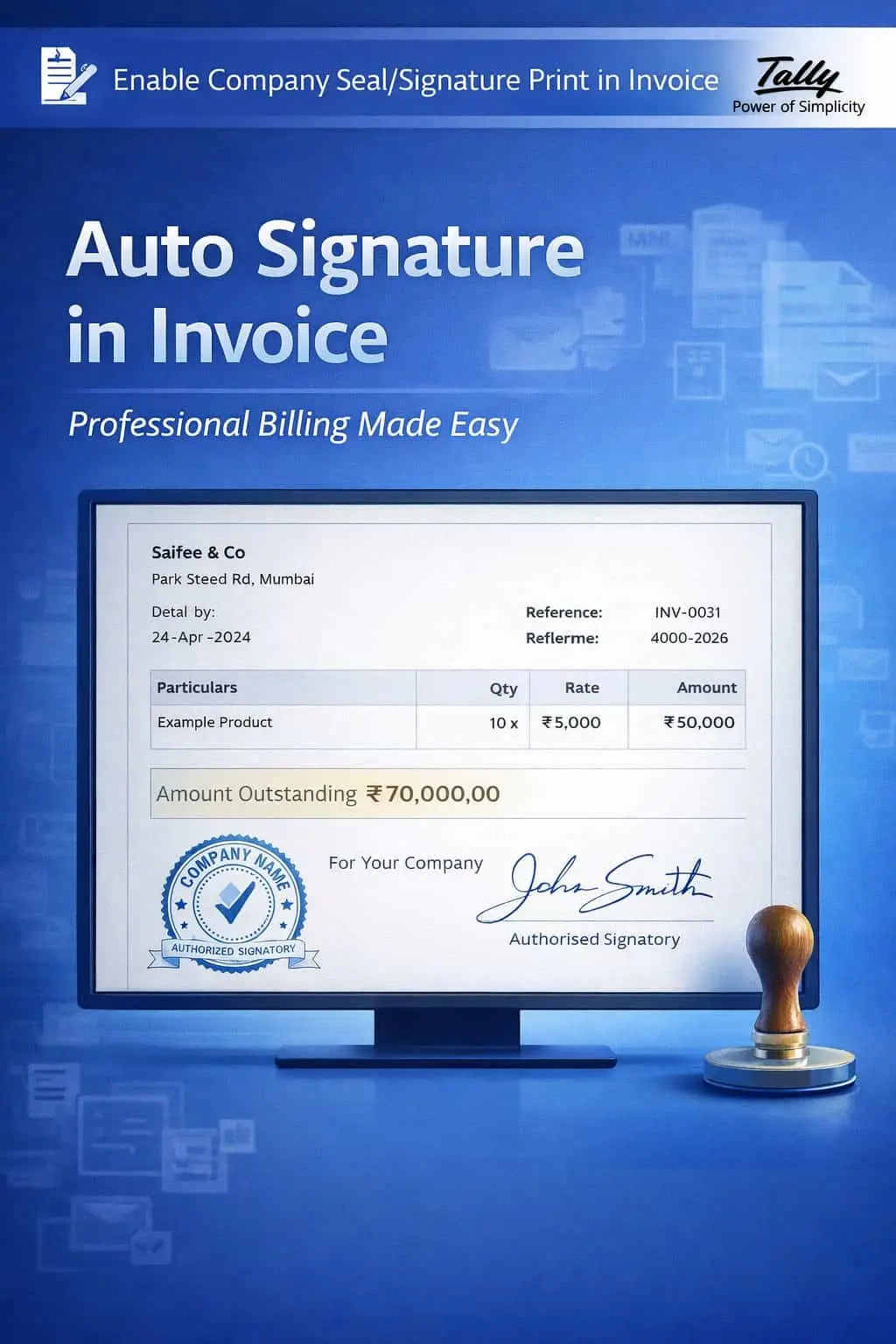
Enable Company Seal/Signature Print in Invoice
Automatically Print Company Seal & Authorized Signature for Professional & Ready-to-Send Invoices
GET NOWEnable Company Seal/Signature Print in Invoice
Automatically Print Company Seal & Authorized Signature for Professional & Ready-to-Send Invoices
In business, an invoice without a company seal or authorized signature often looks incomplete and unofficial. Physical stamping and manual signing are time-consuming, error-prone, and simply not scalable. If you share invoices digitally, the absence of an official seal or signature raises authenticity concerns.
Staff spend valuable time manually stamping every single printed invoice.
Invoices pile up waiting for an authorized person to physically sign them.
E-mailed PDFs lack the official seal, making them appear informal or incomplete.
Customers or auditors question invoices that lack a visible sign of approval.
The Enable Company Seal/Signature Print in Invoice Add-on automates this entire process by embedding your official company stamp and authorized signature image directly into every printed or exported invoice.
This add-on integrates your pre-configured company seal image and authorized signatory's signature image into your TallyPrime invoice format. With this add-on:
Your official company seal image is printed automatically on every invoice without any manual intervention.
The authorized signatory's signature image is embedded in the invoice for digital and physical copies.
The seal and signature always appear in a consistent, professional position on every document.
Every invoice carries a mark of official authorization, whether printed or shared as PDF.
In a world moving rapidly toward digital documentation, your invoices must look official and authenticated in every format. Whether your customer prints the invoice or receives it as a PDF via email, the company seal and authorized signature ensure credibility, compliance, and professionalism.
Integrated Company Seal
Your official company seal image is automatically printed on every invoice and document.
Authorized Signature Placement
The signatory's signature image is placed at the designated area on the invoice.
Customizable Positioning
Choose where the seal and signature appear — bottom-right, center, or any custom location.
All Document Types
Works with Sales Invoices, Credit/Debit Notes, Delivery Challans, and Proforma Invoices.
High-Resolution Output
Seal and signature images are printed in high quality for a crisp, professional appearance.
- ✔Time-Saving Automation: Eliminate manual stamping and signing — every invoice is print-ready instantly.
- ✔Professional Brand Image: Every document carries your official seal, reinforcing trust and authority.
- ✔Ready for Digital Sharing: Exported PDFs include the seal and signature, making them suitable for email and online submission.
- ✔Reduced Errors: No risk of forgetting to stamp or sign — it's automated and consistent.
📦 Traders & Wholesalers
Ensure every bulk invoice carries the official company seal for regulatory and customer compliance.
💼 Service Providers
Professional invoices with signatures add credibility when billing corporate clients.
🏭 Manufacturing Units
Automate seal and signature on delivery challans and excise-related documents.
Add Your Review
Your email address will not be published. Required fields are marked *
Upload photos