


 TALLY PRIME ERP
 ZOHO ONE ERP
 VAYPAR
 ODOO ERP
 SAP Business One
 ORACLE NetSuite
 Biz Analyst
 CUSTOMISED POS SOFTWARES

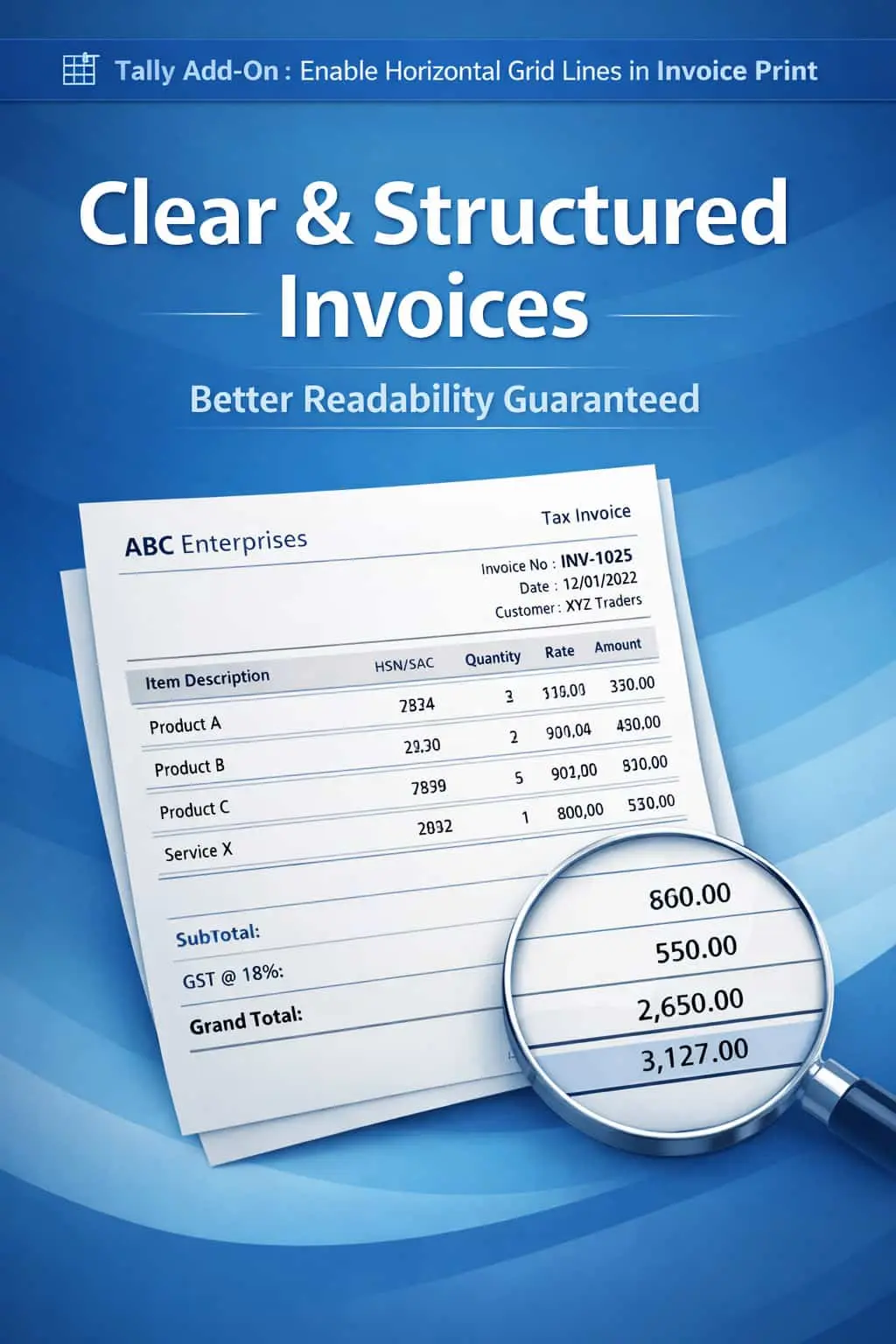
Enable Horizontal Grid Lines in Invoice Print
Add Structured Grid Lines for Superior Readability & a Professional Tabular Layout
GET NOWEnable Horizontal Grid Lines in Invoice Print in TallyPrime
Add Structured Grid Lines for Superior Readability & a Professional Tabular Layout
Invoices with multiple line items can often look cluttered and confusing if there are no clear separators between rows. In standard TallyPrime, the lack of horizontal grid lines in the printing format leads to several practical issues:
Difficulty in tracking an item's description across to its quantity and rate.
Warehouse staff or customers might misread values from the row above or below.
A plain list without lines often looks like a "draft" rather than a formal business document.
Long descriptions or multi-line item names can bleed into each other visually.
The Enable Horizontal Grid Lines in Invoice Print Add-on solves this by adding clean, structured row-separators, giving your invoice a polished, tabular look.
This add-on is a custom Tally module that enhances the visual architecture of your printed documents. With this add-on installed, Tally can:
Automatically draws a horizontal line after every stock item entry.
Converts a simple list into a professional table format.
Makes it impossible to confuse the details of one item with another.
Provides a "Grid" feel that is much easier on the eyes during manual auditing.
Clarity in billing reduces disputes. When a customer can clearly see which rate belongs to which item, they are less likely to call with "misunderstanding" queries. This add-on is a small change that makes a huge impact on your brand image, making your business look organized and detail-oriented.
Automatic Grid Generation
Detects the number of items and places horizontal lines perfectly between them.
Clean Professional Design
Eliminates the "Plain Text" look and replaces it with a corporate-style invoice layout.
Better Data Verification
Helps accountants, auditors, and customers cross-check line-wise details with 100% accuracy.
All Inventory Vouchers
Full compatibility with Sales Invoices, Purchase Vouchers, Delivery Notes, and Quotations.
Lightweight & Optimized
Advanced TDL that prints lines sharply without slowing down the printing process.
-
✔
Superior Invoice Clarity: No more "row-jumping" while reading long invoices.
-
✔
Enhanced Professionalism: Present your business documents matching international billing standards.
-
✔
Reduced Errors: Minimize confusion during physical stock verification and payment processing.
-
✔
Improved Customer Trust: Neatly formatted invoices show that you value transparency and quality.
📦 Distributors
Sending invoices with 50+ items to retailers where clarity is the #1 priority.
🔧 Hardware Stores
Handling technical item names and part numbers that require distinct row spacing.
🛒 Retailers
Printing clean, itemized bills that look premium and are easy for customers to store.
Add Your Review
Your email address will not be published. Required fields are marked *
Upload photos