


 TALLY PRIME ERP
 ZOHO ONE ERP
 VAYPAR
 ODOO ERP
 SAP Business One
 ORACLE NetSuite
 Biz Analyst
 CUSTOMISED POS SOFTWARES

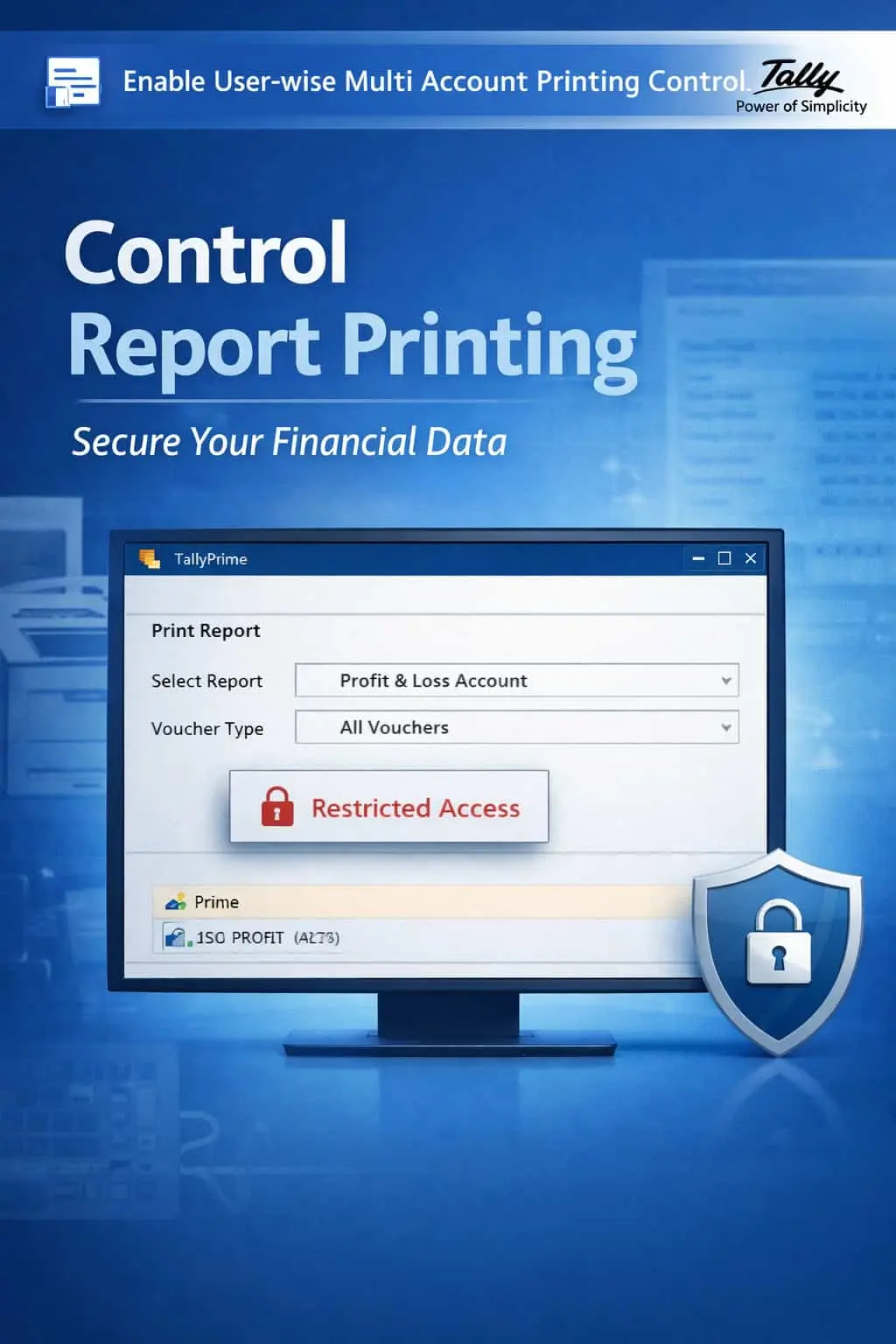
Enable User-wise Multi Account Printing Control
Restrict Multi-Account Printing & Prevent Financial Data Leakage
GET NOWEnable User-wise Multi Account Printing Control in TallyPrime
Restrict Multi-Account Printing & Prevent Financial Data Leakage
In any organization, not every user should have the ability to print bulk financial data. When multiple users can print ledgers, outstanding lists, and summary reports without restrictions, it creates serious risks of data leakage and accountability gaps.
Users can print multiple account ledgers at once, exposing sensitive financial data across the organization.
Unrestricted access to export outstanding statements can lead to confidential data being shared externally.
Financial summaries, party balances, and transaction details fall into the wrong hands without proper controls.
When anyone can print anything, there is no audit trail of who printed what and when.
The User-wise Multi Account Printing Control Add-on gives you granular control over who can print what in TallyPrime.
This add-on allows administrators to define exactly which users can print bulk reports, multi-ledger summaries, and outstanding statements. With this add-on installed, TallyPrime can:
Prevent selected users from printing multiple account ledgers or summary reports simultaneously.
Restrict access to multi-account printing functions based on user roles and responsibilities.
Assign printing privileges based on user designation, department, or security clearance.
Control who can print or export outstanding lists to prevent unauthorized data distribution.
Financial data is one of the most sensitive assets of any business. Without proper printing controls, a single user can extract and share critical information like party balances, outstanding amounts, and transaction histories with unauthorized parties.
User-wise Printing Restrictions
Define exactly which users can and cannot print multi-account reports or bulk ledgers.
Bulk Report Blocking
Block the ability to print multiple ledgers, outstanding lists, or summary reports in a single action.
Role-Based Access Control
Assign printing permissions based on user roles, departments, or security levels.
Prevent Data Leakage
Ensure sensitive financial data cannot be printed or exported by unauthorized personnel.
Lightweight & Instant
Applies restrictions instantly without affecting TallyPrime's performance or speed.
- ✔Superior Data Security: Prevent unauthorized printing of sensitive financial information across all users.
- ✔Controlled Information Sharing: Only authorized personnel can access and print bulk financial reports.
- ✔Better Accountability: Track who has printing privileges and maintain a clear chain of data access responsibility.
- ✔Strong Internal Discipline: Enforce strict data handling policies across your accounting and finance teams.
🏢 SMEs
Small businesses can restrict printing access to the owner or manager, preventing data leaks from junior staff.
💼 Accounting Firms
Firms managing multiple clients can restrict which staff members can print reports for specific client accounts.
🏢 Enterprises
Large organizations can enforce department-level printing restrictions to maintain data confidentiality across divisions.
Add Your Review
Your email address will not be published. Required fields are marked *
Upload photos