


 TALLY PRIME ERP
 ZOHO ONE ERP
 VAYPAR
 ODOO ERP
 SAP Business One
 ORACLE NetSuite
 Biz Analyst
 CUSTOMISED POS SOFTWARES

Enable Party's Previous Balance in Invoice Print
Display Customer/Supplier Outstanding Balance in Every Invoice for Better Payment Tracking
GET NOWEnable Party's Previous Balance in Invoice Print
Display Customer/Supplier Outstanding Balance in Every Invoice for Better Payment Tracking
One of the biggest challenges in receivables management is ensuring customers are aware of their outstanding dues. When invoices don't show previous balances, customers tend to delay payments, and your team wastes time on follow-ups and ledger confirmations.
Customers claim ignorance about their total outstanding, leading to delayed payments.
Your team spends hours calling customers to remind them of old dues.
Customers don't see their running balance, causing confusion and disputes.
Without visible outstanding data, extending credit to risky parties goes unnoticed.
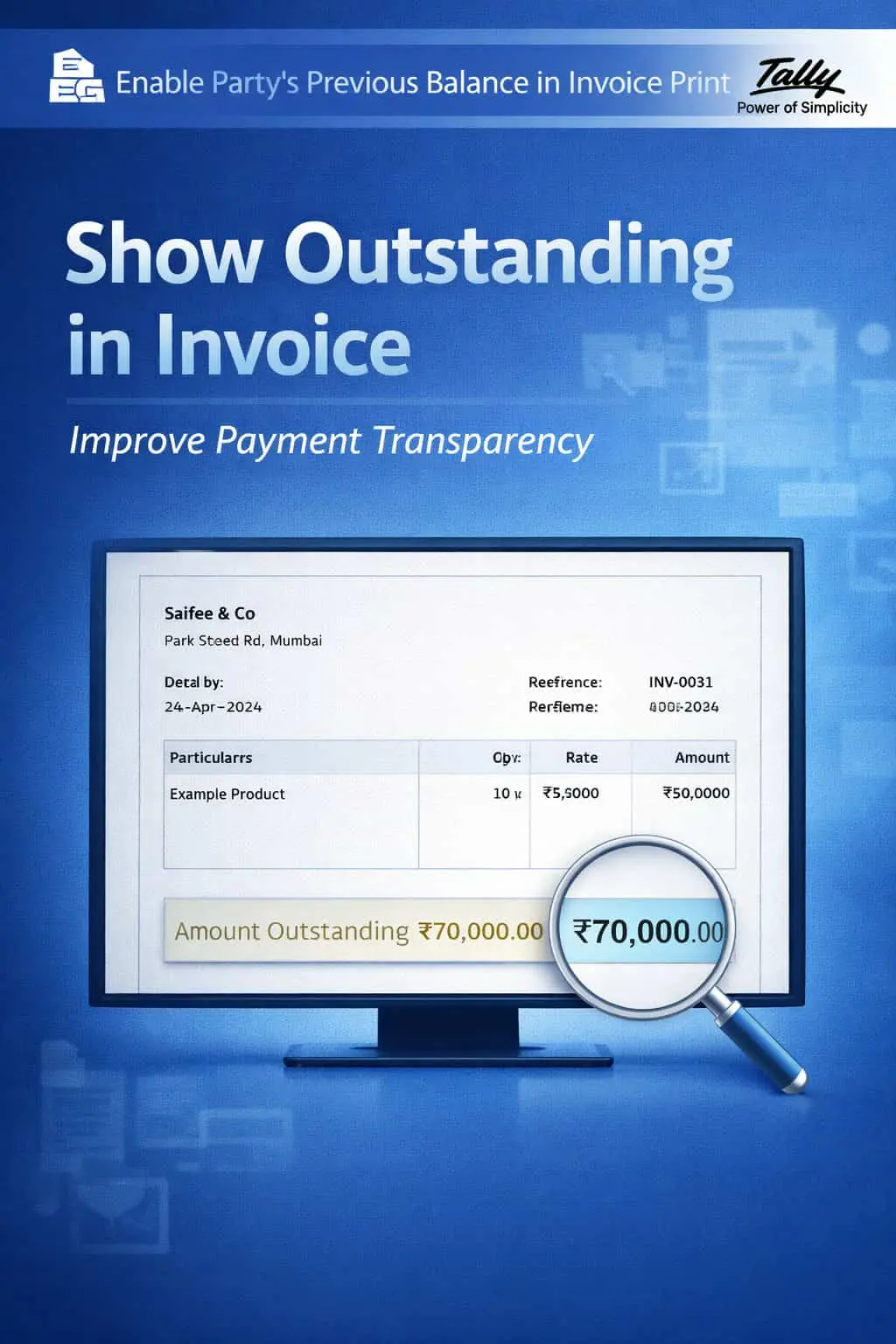
The Enable Party's Previous Balance in Invoice Print Add-on automatically displays the customer's or supplier's previous outstanding balance on every invoice, making each bill a gentle payment reminder.
This add-on fetches the party's outstanding amount as of the invoice date and prints it directly on the invoice. With this add-on:
The previous outstanding amount is displayed at the top or bottom of the invoice.
Automatically adds the current invoice amount to the previous balance to show total payable.
The balance is fetched live from Tally's ledger, ensuring 100% accuracy.
Choose to show balance for Sales, Credit Notes, or both — based on your preference.
Cash flow is the lifeline of any business. When customers are unaware of their accumulated dues, collections suffer. Printing the previous balance on every invoice transforms each bill into a built-in payment reminder, dramatically improving collection efficiency without any extra effort from your team.
Previous Outstanding Display
Shows the party's opening balance clearly on every invoice print.
Total Payable Summary
Displays the combined total of previous dues plus the current invoice amount.
Customizable Print Options
Choose where the balance appears — header, footer, or a dedicated summary section.
All Notes Support
Works with Sales Invoices, Credit Notes, Debit Notes, and Receipt Vouchers.
Lightweight & Professional
Fetches and prints balance data instantly without slowing down Tally operations.
- ✔Faster Collections: Customers see their total dues on every invoice, prompting quicker payments.
- ✔Improved Cash Flow: Reduced outstanding days means more working capital for your business.
- ✔Reduced Manual Work: No need to send separate balance statements or make reminder calls.
- ✔Enhanced Trust: Transparent balance information builds customer confidence in your billing.
📦 Wholesalers & Distributors
Show accumulated dues to retailers on every supply invoice for faster settlement.
💼 Traders
Display running balances to suppliers on purchase returns for accurate net payable.
💼 Service Providers
Include previous project dues on each new invoice to remind clients of pending payments.
Add Your Review
Your email address will not be published. Required fields are marked *
Upload photos