


 TALLY PRIME ERP
 ZOHO ONE ERP
 VAYPAR
 ODOO ERP
 SAP Business One
 ORACLE NetSuite
 Biz Analyst
 CUSTOMISED POS SOFTWARES

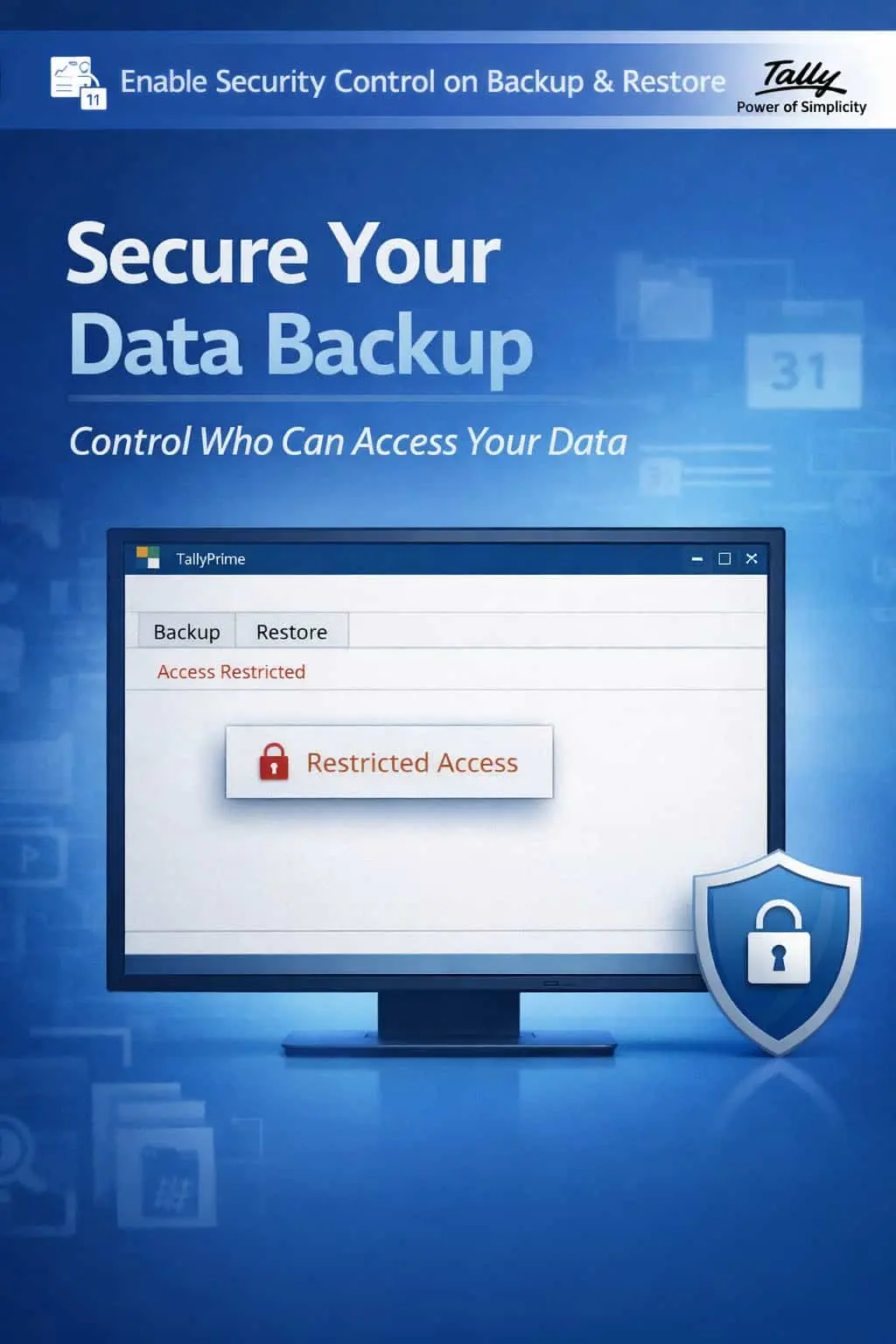
Enable Security Control on Backup & Restore
Restrict Backup & Restore Access for Superior Data Security & System Control
GET NOWEnable Security Control on Backup & Restore
Restrict Backup & Restore Access for Superior Data Security & System Control
Your Tally data is the backbone of your business. But in most organizations, any user can create a backup or restore old data, creating serious security vulnerabilities. One careless restore can overwrite months of work.
Unauthorized users can create a backup copy and take your complete business data outside.
An inexperienced user can accidentally restore an old backup, wiping out weeks of transactions.
Users could restore old data to hide fraudulent entries or reverse legitimate transactions.
Without access control, your financial data is exposed to every person who logs into Tally.
The Enable Security Control on Backup & Restore Add-on locks down these critical operations, ensuring only authorized users can access backup and restore functions.
This add-on adds a security layer around Tally's backup and restore functions. With this add-on installed, Tally will:
Only authorized users can access the backup function, with optional company-level restrictions.
Completely disable the restore option for non-admin users to prevent accidental data overwriting.
Configure backup and restore access individually for each Tally user profile.
Stop unauthorized users from creating copies of your company data through the backup route.
In any business with multiple Tally users, unrestricted backup and restore access is a ticking time bomb. Whether it's a disgruntled employee copying data, or an inexperienced user accidentally restoring old records, the consequences can be catastrophic. This add-on ensures only the right people handle these critical operations.
Strict Backup Access Control
Lock the backup function behind user-level permissions so only admins can create data copies.
Restricted Restore Functionality
Block the restore option entirely for standard users, preventing accidental data overwriting.
User-wise Configuration
Set individual permissions for each Tally user, giving full control to management.
Protect Company Integrity
Ensure your financial data cannot be copied, overwritten, or manipulated by unauthorized users.
Lightweight & Robust
Implements security checks instantly without any performance impact on Tally operations.
- ✔Unmatched Data Protection: Your Tally data is safeguarded from unauthorized access and accidental overwrites.
- ✔Zero Data Leakage: Prevent employees from creating unauthorized backup copies of your financial records.
- ✔Avoid Costly Mistakes: Block accidental restores that could erase days or weeks of transactional data.
- ✔Enhanced Accountability: Track who performed backup and restore operations with clear user-level controls.
💼 SMEs
Protect sensitive financial data in small teams where multiple users access Tally daily.
🏢 Enterprises
Enforce strict backup/restore policies across departments and branches with centralized control.
📦 Accounting Firms
Safeguard client data by restricting backup and restore access to senior accountants only.
Add Your Review
Your email address will not be published. Required fields are marked *
Upload photos