


 TALLY PRIME ERP
 ZOHO ONE ERP
 VAYPAR
 ODOO ERP
 SAP Business One
 ORACLE NetSuite
 Biz Analyst
 CUSTOMISED POS SOFTWARES

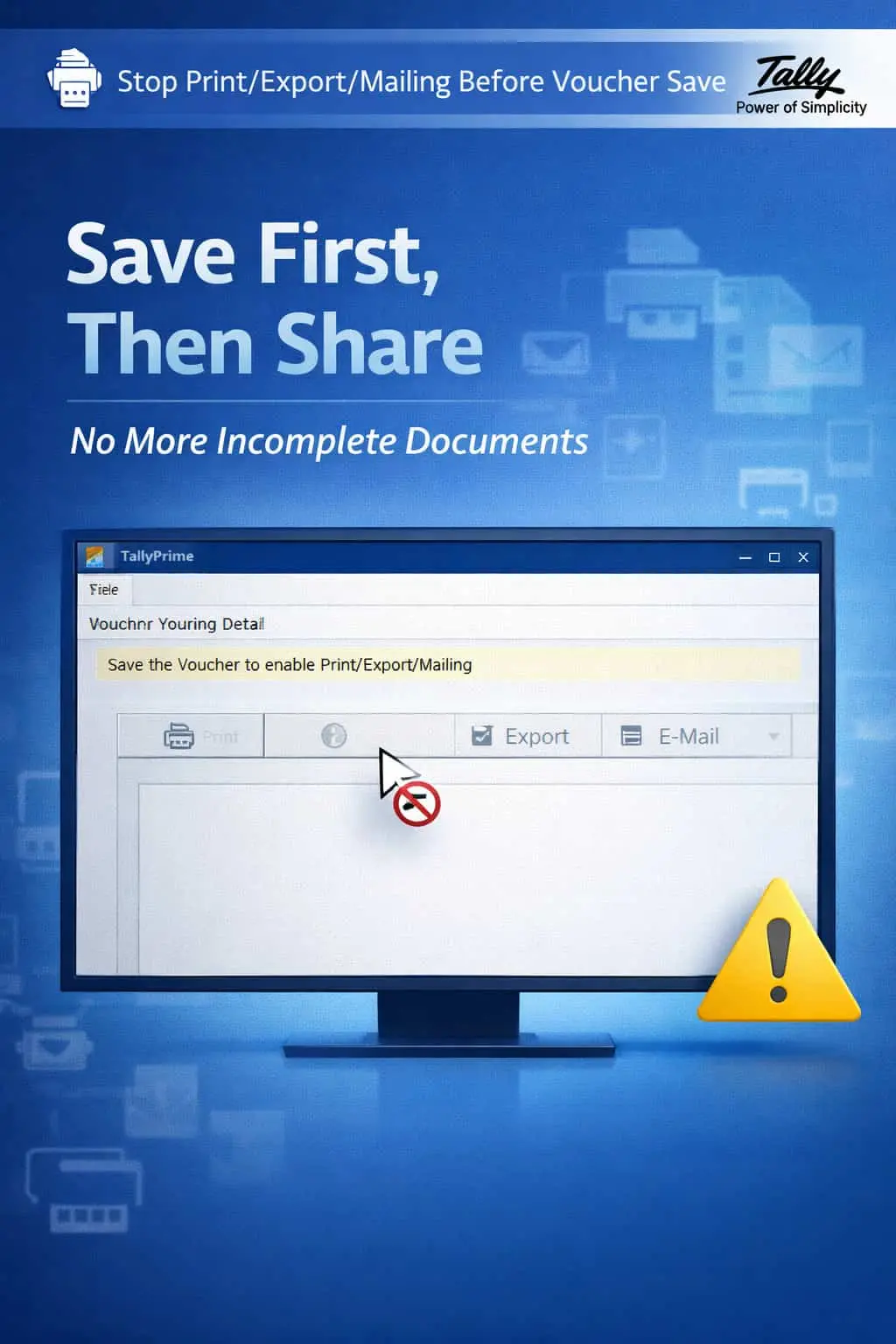
Stop Print/Export/Mailing of Vouchers Before Voucher Save
Enforce a Save-First Workflow to Prevent Sharing of Incomplete or Incorrect Data
GET NOWStop Print/Export/Mailing of Vouchers Before Voucher Save
Enforce a Save-First Workflow to Prevent Sharing of Incomplete or Incorrect Data
In TallyPrime, users can print, export, or email a voucher before it is saved. This seemingly harmless feature can lead to serious problems — invoices shared with wrong amounts, incomplete entries sent to customers, or vouchers exported before final review.
Users print or email invoices with errors before the voucher is finalized.
Vouchers missing mandatory fields get shared externally, causing confusion.
Customers receive documents with wrong data, damaging your credibility.
Shared documents don't match what's actually saved in Tally, creating audit issues.
The Stop Print/Export/Mailing Before Voucher Save Add-on enforces a strict save-first workflow, ensuring that no document leaves your system until the voucher is properly saved.
This add-on disables the Print, Export, and Email buttons on all voucher screens until the voucher has been saved. With this add-on:
The Print button is disabled on unsaved vouchers, preventing premature output.
Export to Excel, PDF, and email functions are locked until the voucher is saved.
Only fully saved and validated data is allowed to be shared externally.
Enforces a consistent workflow across all users and voucher types.
Data integrity is the foundation of trust. When a customer receives an invoice with incorrect amounts or missing details, it reflects poorly on your business. This add-on acts as a gatekeeper, ensuring that only finalized, accurate, and saved data is shared with external parties.
Strict Output Blocking
Print, Export, and E-mail buttons are disabled until the voucher is saved.
Accurate Data Guarantee
Only verified and saved data is allowed to be printed or shared externally.
Workflow Standardization
Enforces the same save-first process for all users across all voucher types.
All Vouchers Support
Works with Sales, Purchase, Payment, Receipt, Journal, and all other voucher types.
Lightweight & Instant
The control is applied instantly with zero performance impact on Tally.
- ✔100% Reliable Communication: Every document shared externally matches the final saved data in Tally.
- ✔Professional Reputation: No more embarrassing errors on invoices sent to customers or auditors.
- ✔Reduced Rework: Eliminate the need to recall or re-send corrected documents.
- ✔Enhanced Discipline: Builds a culture of careful data entry and review before output.
🛒 Retail Billing Counters
Prevent billing staff from printing receipts before the sale is finalized and saved.
📦 Wholesalers
Ensure bulk invoices are fully verified before being emailed to large clients.
💼 Accounting Teams
Lock journal and payment vouchers from export until all entries are reconciled.
Add Your Review
Your email address will not be published. Required fields are marked *
Upload photos