


 TALLY PRIME ERP
 ZOHO ONE ERP
 VAYPAR
 ODOO ERP
 SAP Business One
 ORACLE NetSuite
 Biz Analyst
 CUSTOMISED POS SOFTWARES

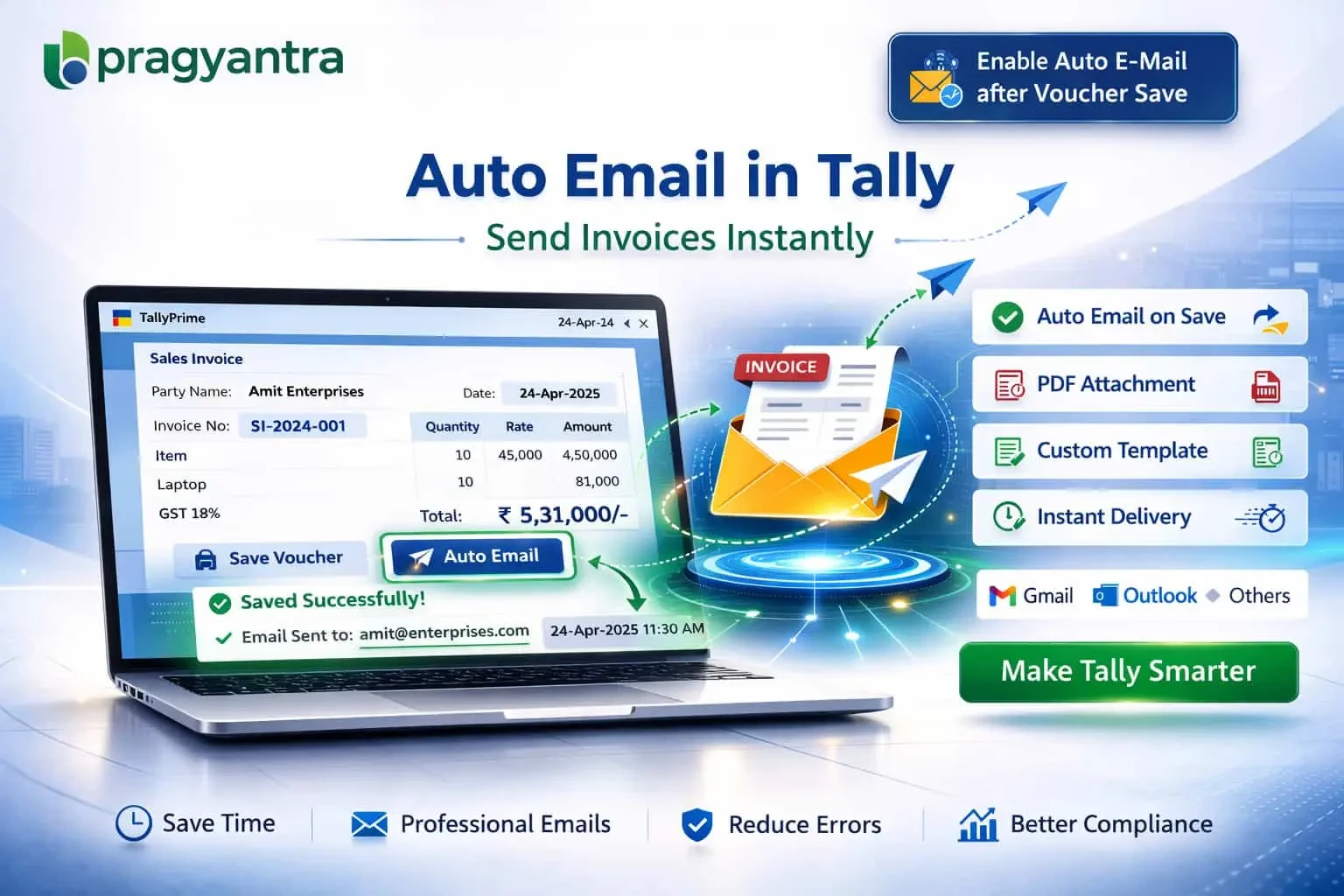
Enable Auto E-Mail after Voucher Save
Automatically send invoices and vouchers via email in TallyPrime with Gitex Solutions add‑on. Save time, improve communication, and automate your workflow.
Enable Auto E-Mail after Voucher Save
Automatically send invoices and vouchers via email in TallyPrime with Gitex Solutions add‑on. Save time, improve communication, and automate your workflow.
In modern business environments, real-time communication and automation are essential for efficiency. Businesses often need to send documents like invoices, receipts, and payment confirmations immediately. However, manually sending emails after every entry can be:
The Enable Auto E‑Mail after Voucher Save Add‑on by Gitex Solutions automates this entire process by sending emails automatically the moment a voucher is saved in TallyPrime.
Sends the Sales Invoice to the customer as soon as it's generated.
Converts the voucher into a professional PDF format and attaches it.
Shares Purchase Orders with vendors instantly to speed up procurement.
Sends payment confirmations to parties, improving trust and transparency.
Manual emailing is a bottleneck that slows down your "Order-to-Cash" cycle. If your customer gets the invoice the same second you save it, your payment cycle improves. The Gitex Solutions Auto Email Add‑on ensures consistent and real-time document sharing without any extra effort from your accounting team.
In modern business environments, real-time communication and automation are essential for efficiency. Businesses often need to send documents like invoices, receipts, and payment confirmations immediately. However, manually sending emails after every entry can be:
Add Your Review
Your email address will not be published. Required fields are marked *