


 TALLY PRIME ERP
 ZOHO ONE ERP
 VAYPAR
 ODOO ERP
 SAP Business One
 ORACLE NetSuite
 Biz Analyst
 CUSTOMISED POS SOFTWARES

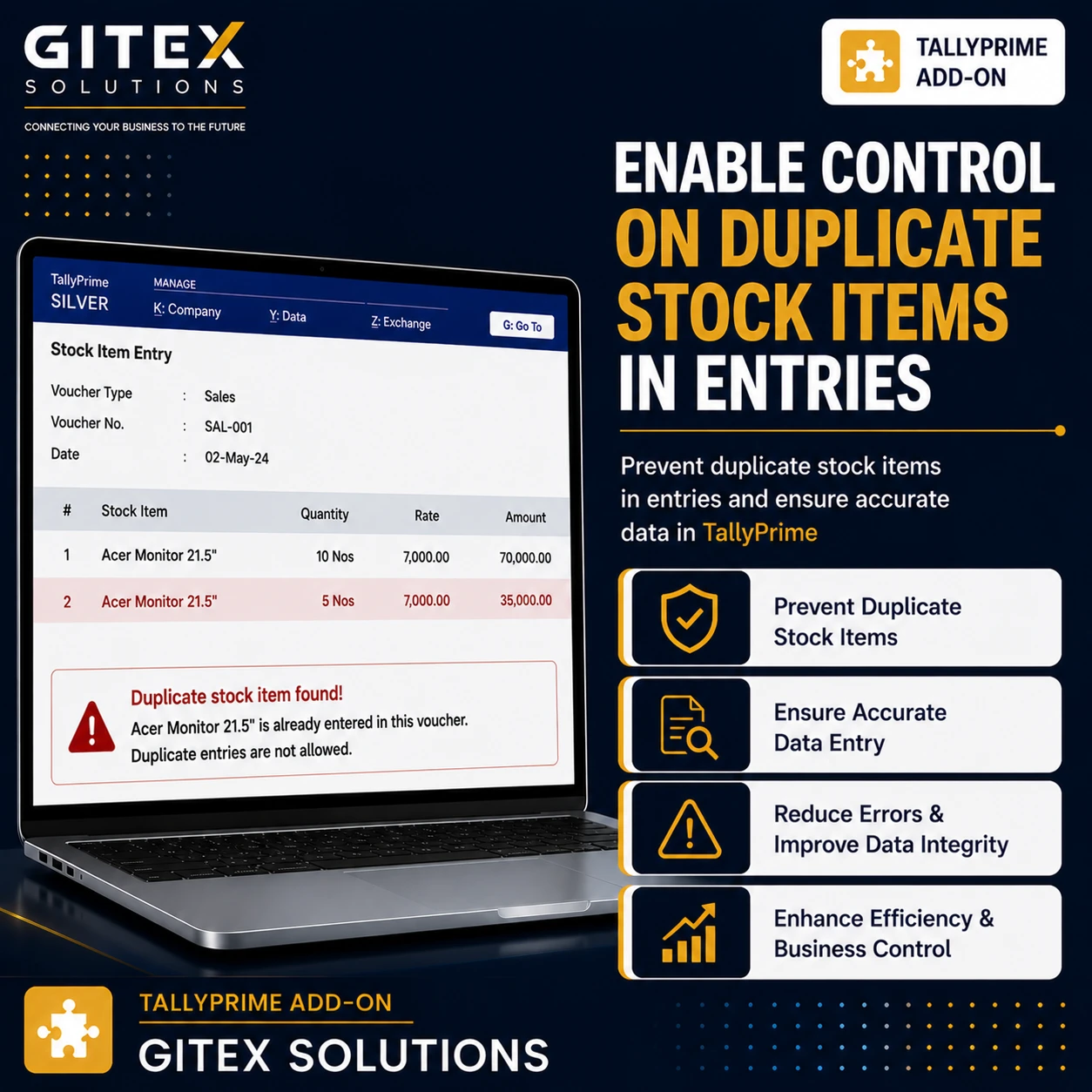
Enable Control on Duplicate Stock Items in Entries
Prevent duplicate stock item entries in TallyPrime with Gitex Solutions add‑on. Improve inventory accuracy, avoid errors, and ensure clean stock records.
Enable Control on Duplicate Stock Items in Entries
Prevent duplicate stock item entries in TallyPrime with Gitex Solutions add‑on. Improve inventory accuracy, avoid errors, and ensure clean stock records.
In inventory-based businesses, stock items are frequently entered in vouchers such as Sales, Purchase, Stock Journal, and Delivery Notes. During data entry, users may accidentally select or enter the same stock item multiple times within a single voucher. This leads to issues such as:
The Enable Control on Duplicate Stock Items in Entries Add‑on by Gitex Solutions helps businesses detect and prevent duplicate stock item entries within vouchers, maintaining clean inventory records and efficient management.
Prevents duplication of stock items and ensures correct calculations.
Minimizes manual mistakes during fast-paced data entry.
Generates reliable inventory reports that match actual physical stock.
Prevents sending invoices to customers with the same item listed multiple times.
Duplicate stock item entries can cause serious inventory and accounting confusion. Common challenges include incorrect billing to customers and errors in stock valuation. The Gitex Solutions Duplicate Stock Item Control Add‑on eliminates these issues by enforcing real-time validation during voucher entry, reducing the effort required for reconciliation.
Prevent duplicate stock item entries in TallyPrime with Gitex Solutions add‑on. Improve inventory accuracy, avoid errors, and ensure clean stock records.
Add Your Review
Your email address will not be published. Required fields are marked *