


 TALLY PRIME ERP
 ZOHO ONE ERP
 VAYPAR
 ODOO ERP
 SAP Business One
 ORACLE NetSuite
 Biz Analyst
 CUSTOMISED POS SOFTWARES

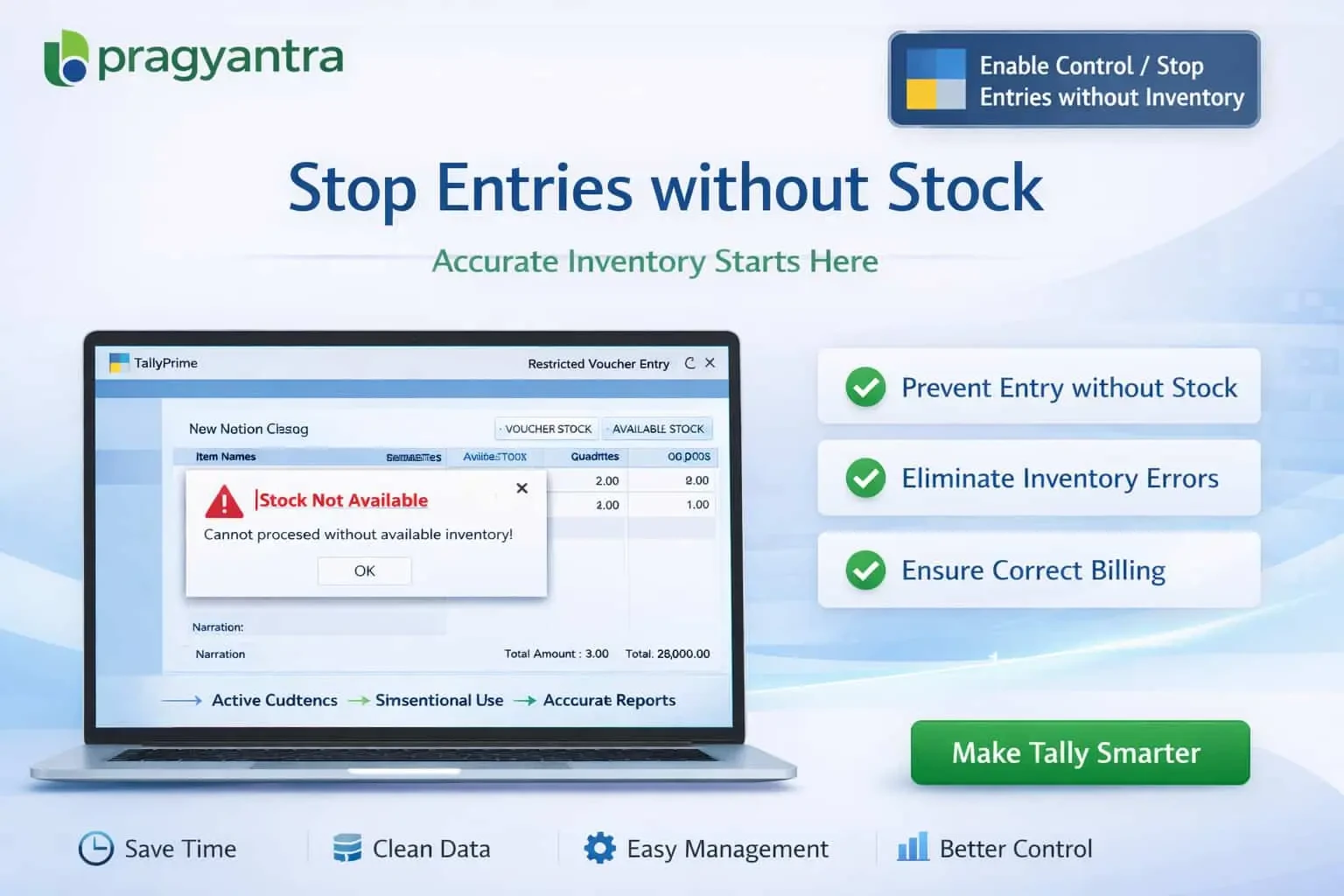
Enable Control/Stop entries without Inventory
Prevent inventory transactions without stock in TallyPrime using Pragyantra’s add‑on. Avoid negative stock, improve accuracy, and control inventory effectively.
Enable Control/Stop entries without Inventory
Prevent inventory transactions without stock in TallyPrime using Pragyantra’s add‑on. Avoid negative stock, improve accuracy, and control inventory effectively.
In inventory-based businesses, maintaining accurate stock levels is critical for smooth operations. However, in TallyPrime, users may sometimes enter transactions such as sales, delivery notes, or stock issues without sufficient inventory. This can result in:
The Enable Control / Stop Entries without Inventory Add‑on by Pragyantra helps businesses restrict transactions when stock is not available, ensuring accurate tracking and strong internal controls.
Scans stock levels the moment an item is selected.
Blocks the user from saving a voucher if stock is insufficient.
Displays immediate warnings for items reaching critical levels.
Optionally allows managers to bypass restrictions for special cases.
Allowing transactions without inventory creates a ripple effect of accounting issues. From incorrect Profit & Loss reports to warehouse mismanagement, negative inventory is a liability. The Pragyantra Inventory Control Add‑on solves these problems by enforcing strict stock validation rules at the point of entry.
Prevent inventory transactions without stock in TallyPrime using Pragyantra’s add‑on. Avoid negative stock, improve accuracy, and control inventory effectively.
Add Your Review
Your email address will not be published. Required fields are marked *