


 TALLY PRIME ERP
 ZOHO ONE ERP
 VAYPAR
 ODOO ERP
 SAP Business One
 ORACLE NetSuite
 Biz Analyst
 CUSTOMISED POS SOFTWARES

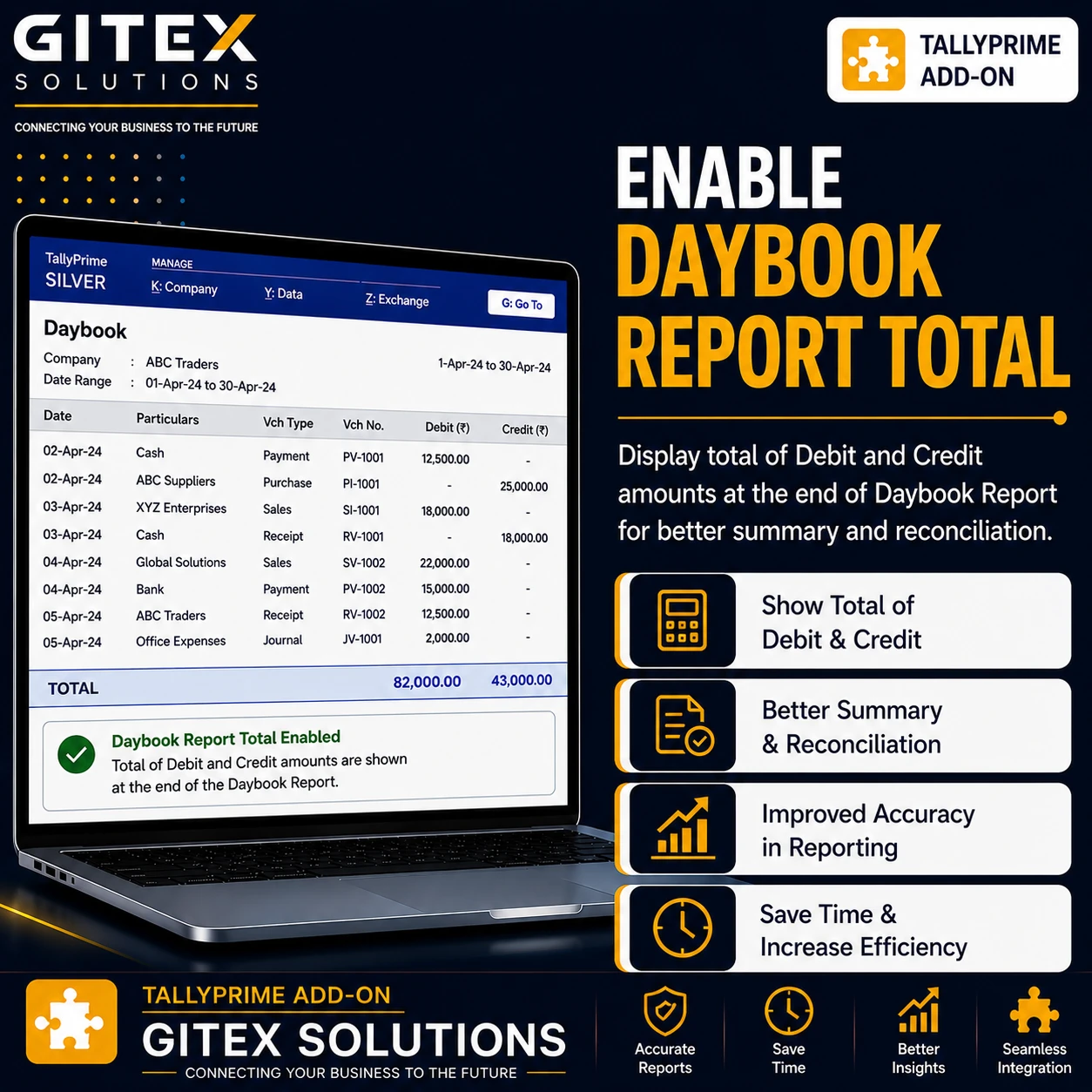
Enable Daybook Report Total
Automatically display debit and credit totals in the Daybook report in TallyPrime with Gitex Solutions add‑on. Improve daily accounting analysis and reporting.
Enable Daybook Report Total
Automatically display debit and credit totals in the Daybook report in TallyPrime with Gitex Solutions add‑on. Improve daily accounting analysis and reporting.
The Daybook report in TallyPrime is one of the most frequently used reports by accountants and business owners. It records all daily transactions including sales, purchases, payments, receipts, and journal entries.
While the Daybook report provides detailed transaction information, users sometimes need a clear summary total of debit and credit amounts within the report for quick analysis.
The Enable Daybook Report Total Add‑on developed by Gitex Solutions enhances the Daybook report by displaying automatic totals for transactions.
With this add‑on, accountants can instantly view total debit and credit values in the Daybook, making financial review faster and more efficient.
The Enable Daybook Report Total Add‑on is a custom Tally module designed to enhance the Daybook report by showing automatic totals of transactions.
Normally, the Daybook displays Voucher Date, Type, Number, Ledger Name, and Debit/Credit amounts. However, users may need to manually calculate totals for quick financial review.
The add‑on automatically calculates and displays totals at the bottom of the Daybook report.
Users can easily view the aggregate total debit and credit values for all daily transactions.
Accountants can quickly analyze daily financial activity without any external manual calculations.
The add‑on integrates directly with the existing Daybook report in Tally for a seamless experience.
Accountants often review the Daybook to check daily financial activity. Without automatic totals, users may need to manually calculate values or export the report for analysis. Common challenges include:
Time spent calculating totals manually for hundreds of entries Difficulty reviewing large numbers of transactions quickly Reduced efficiency in daily accounting review Less informative report summaries for management The Pragyantra Daybook Report Total Add‑on eliminates these issues by automatically showing total values within the Daybook report.
Automatically display debit and credit totals in the Daybook report in TallyPrime with Gitex Solutions add‑on. Improve daily accounting analysis and reporting.
Add Your Review
Your email address will not be published. Required fields are marked *