


 TALLY PRIME ERP
 ZOHO ONE ERP
 VAYPAR
 ODOO ERP
 SAP Business One
 ORACLE NetSuite
 Biz Analyst
 CUSTOMISED POS SOFTWARES

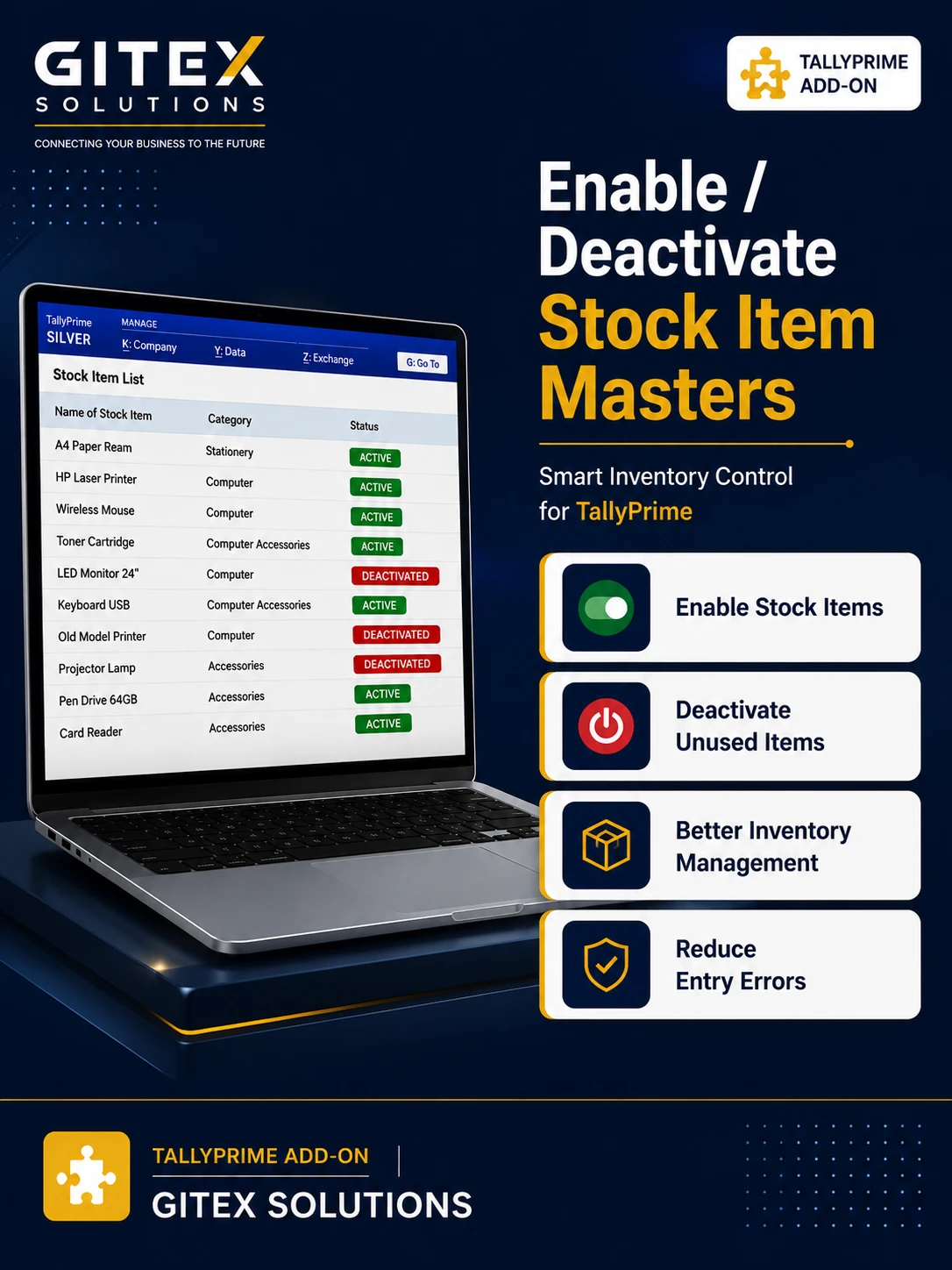
Enable Deactivate Stock Item Masters
Deactivate unused stock items in TallyPrime with Gitex Solutions add‑on. Keep inventory clean, avoid errors, and improve stock management efficiency.
Enable Deactivate Stock Item Masters
Deactivate unused stock items in TallyPrime with Gitex Solutions add‑on. Keep inventory clean, avoid errors, and improve stock management efficiency.
As businesses grow, the number of stock item masters in TallyPrime increases significantly. Over time, many items become inactive, discontinued, or obsolete, yet they remain visible in the system. This can lead to:
The Enable Deactivate Stock Item Masters Add‑on by Gitex Solutions allows businesses to deactivate unused stock items without deleting them, maintaining a clean inventory structure and streamlining operations.
Mark discontinued products as 'Inactive' in the master settings.
Deactivated items will no longer appear in the pop-up list during Sales or Purchase.
All past transactions and reports remain 100% intact and searchable.
Quickly bring an item back to the active list if you start dealing in it again.
Inactive or obsolete stock items create unnecessary complexity. Deleting them is not an option because Tally won't allow it if there are past transactions. The Gitex Solutions Stock Item Deactivation Add‑on solves this by enabling smart inventory filtering—giving you the benefit of a clean list while keeping your historical data safe for audits.
Deactivate unused stock items in TallyPrime with Gitex Solutions add‑on. Keep inventory clean, avoid errors, and improve stock management efficiency.
Add Your Review
Your email address will not be published. Required fields are marked *