


 TALLY PRIME ERP
 ZOHO ONE ERP
 VAYPAR
 ODOO ERP
 SAP Business One
 ORACLE NetSuite
 Biz Analyst
 CUSTOMISED POS SOFTWARES

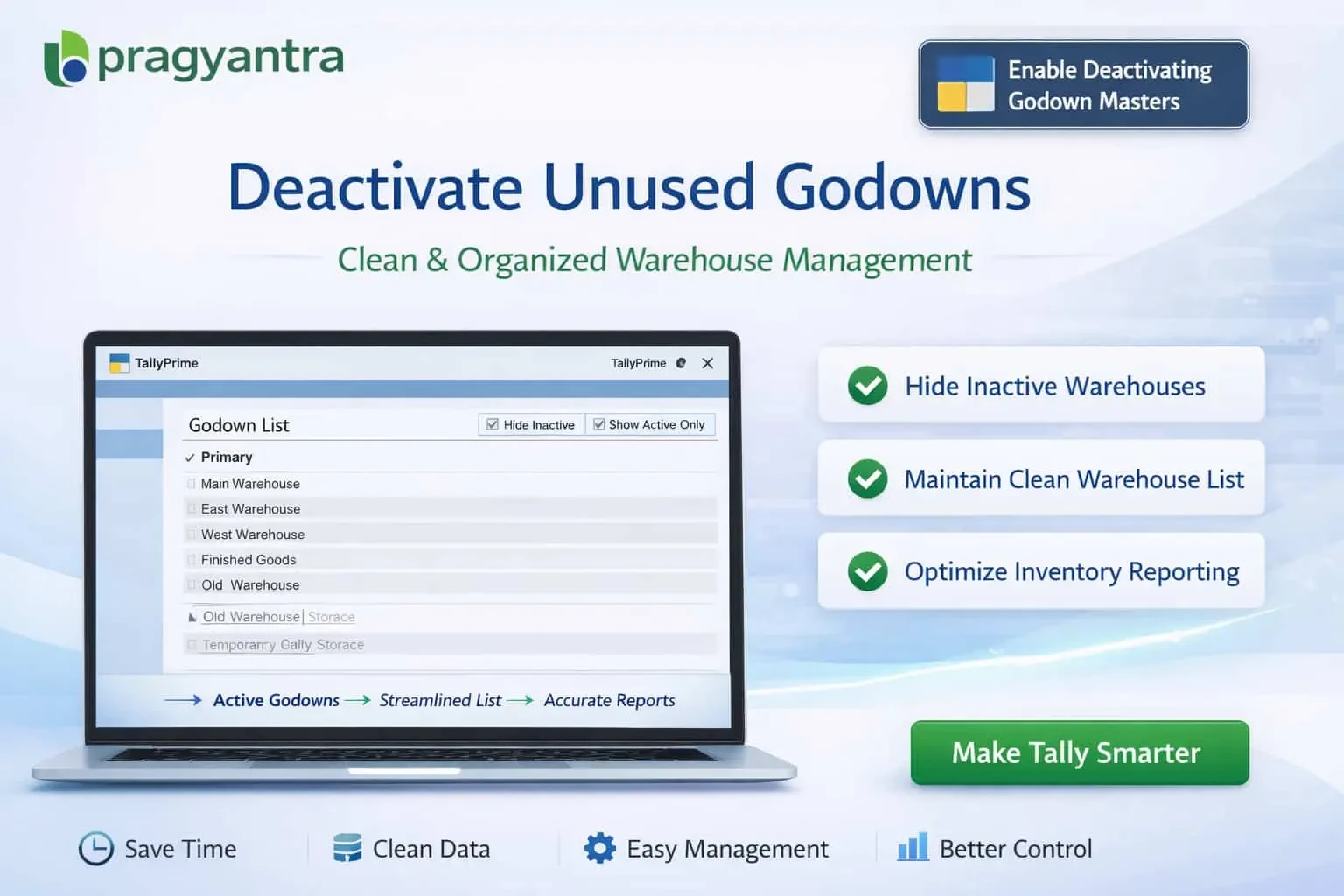
Enable Deactivating Godown Masters
Deactivate unused godown masters in TallyPrime with Gitex Solutions add‑on. Keep warehouse data organized, avoid errors, and improve inventory management.
Enable Deactivating Godown Masters
Deactivate unused godown masters in TallyPrime with Gitex Solutions add‑on. Keep warehouse data organized, avoid errors, and improve inventory management.
In inventory-based businesses, Godowns (Warehouses) in TallyPrime are used to manage stock across multiple locations. As businesses expand, multiple godowns are created for different branches, regions, or storage purposes. However, over time, some godowns become inactive or closed but still remain active in the system. This leads to:
The Enable Deactivating Godown Masters Add‑on by Gitex Solutions allows businesses to deactivate unused godowns without deleting them, maintaining a clean warehouse structure and streamlining operations.
Easily mark closed or temporary warehouses as 'Inactive'.
Prevent inactive godowns from appearing in the selection list during Sales, Purchase, or Stock Transfers.
All historical stock data and movement reports remain 100% intact.
Bring a godown back to the active list whenever required with a single click.
Inactive warehouses create unnecessary complexity in inventory systems. Since Tally doesn't allow deleting masters with transaction history, the Gitex Solutions Godown Deactivation Add‑on offers a smart warehouse control system—keeping your active operations clean while securing your historical audit trails.
In inventory-based businesses, Godowns (Warehouses) in TallyPrime are used to manage stock across multiple locations. As businesses expand, multiple godowns are created for different branches, regions, or storage purposes. However, over time, some godowns become inactive or closed but still remain active in the system. This leads to:
Add Your Review
Your email address will not be published. Required fields are marked *