


 TALLY PRIME ERP
 ZOHO ONE ERP
 VAYPAR
 ODOO ERP
 SAP Business One
 ORACLE NetSuite
 Biz Analyst
 CUSTOMISED POS SOFTWARES

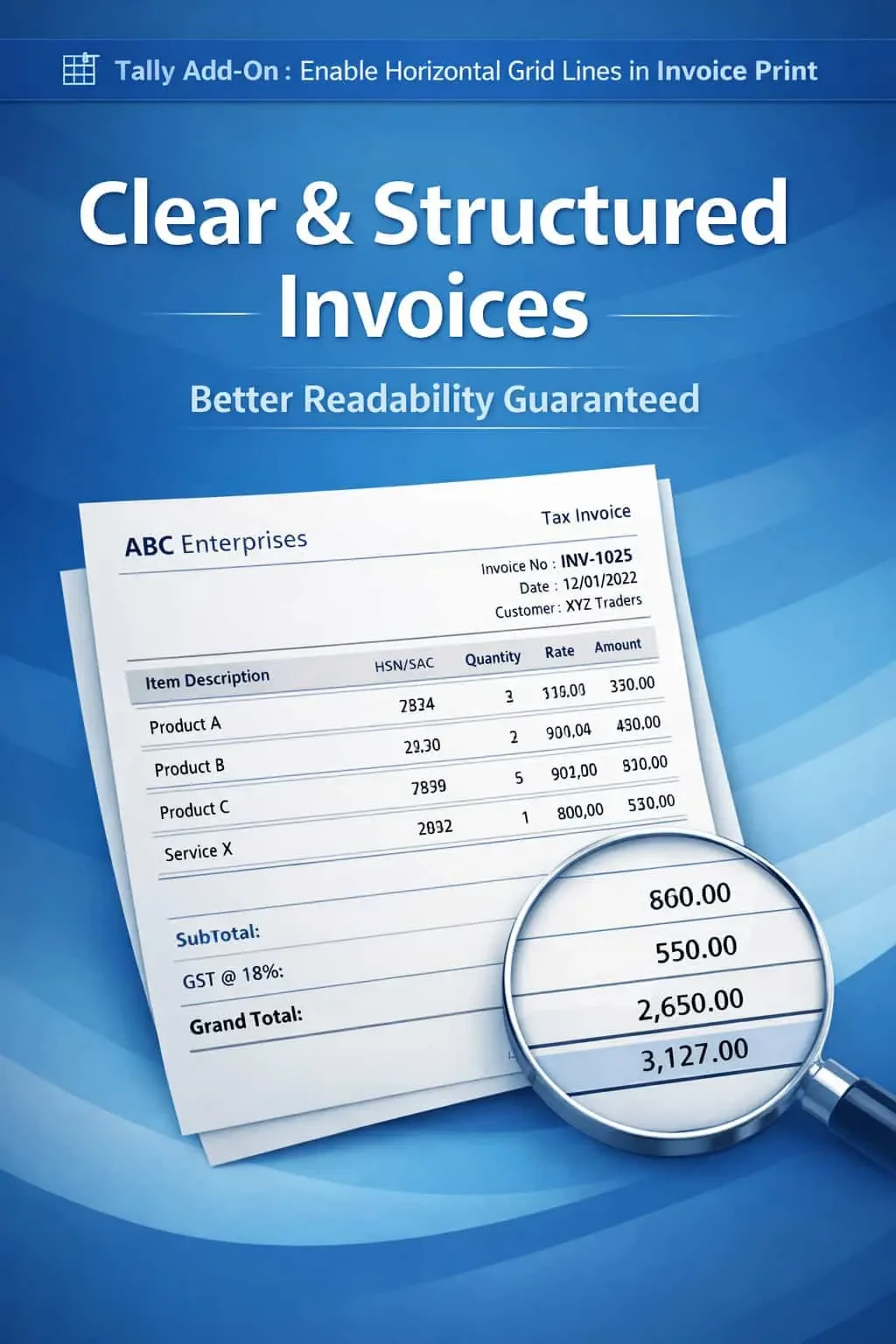
Enable Horizontal Grid Lines in Invoice Print
Add horizontal grid lines in invoice print in TallyPrime with Gitex Solutions add‑on. Improve readability, structure, and professional presentation of invoices.
Enable Horizontal Grid Lines in Invoice Print
Add horizontal grid lines in invoice print in TallyPrime with Gitex Solutions add‑on. Improve readability, structure, and professional presentation of invoices.
Invoices with multiple line items can often look cluttered and confusing if there are no clear separators between rows. In standard TallyPrime, the lack of horizontal grid lines in the printing format leads to several practical issues
This add‑on is a custom Tally module that enhances the visual architecture of your printed documents. With this add‑on installed, Tally can:
Difficulty in tracking an item's description across to its quantity and rate.
Warehouse staff or customers might misread values from the row above or below.
A plain list without lines often looks like a "draft" rather than a formal business document.
Long descriptions or multi-line item names can bleed into each other visually.
Clarity in billing reduces disputes. When a customer can clearly see which rate belongs to which item, they are less likely to call with "misunderstanding" queries. The Gitex Solutions Grid Line Add‑on is a small change that makes a huge impact on your brand image, making your business look organized and detail-oriented.
Add horizontal grid lines in invoice print in TallyPrime with Gitex Solutions add‑on. Improve readability, structure, and professional presentation of invoices.
Add Your Review
Your email address will not be published. Required fields are marked *