


 TALLY PRIME ERP
 ZOHO ONE ERP
 VAYPAR
 ODOO ERP
 SAP Business One
 ORACLE NetSuite
 Biz Analyst
 CUSTOMISED POS SOFTWARES

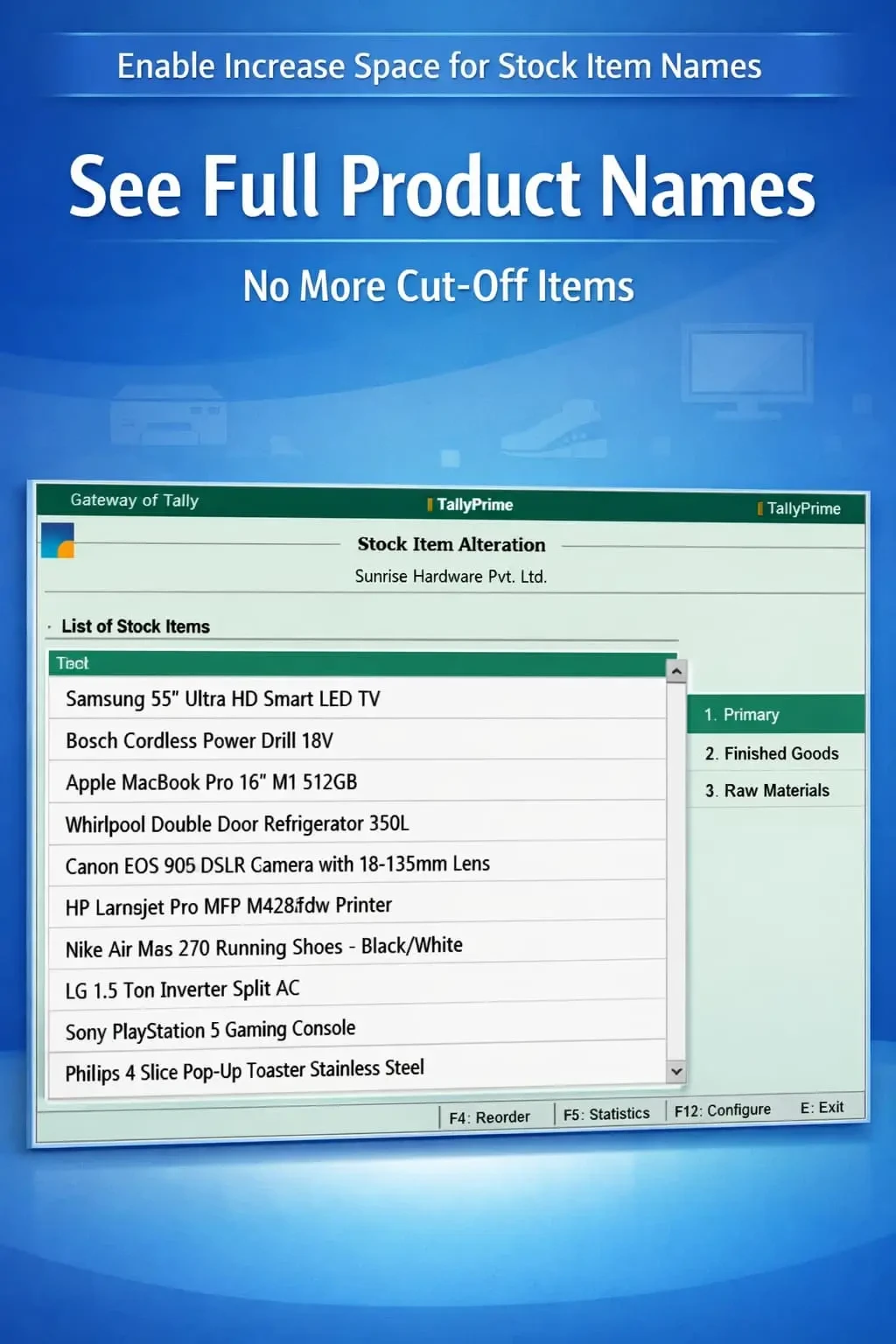
Enable Increase Space for Stock Item Names
Increase display space for stock item names in TallyPrime with Gitex Solutions add‑on. View full product names, reduce errors, and improve inventory efficiency.
Enable Increase Space for Stock Item Names
Increase display space for stock item names in TallyPrime with Gitex Solutions add‑on. View full product names, reduce errors, and improve inventory efficiency.
In inventory-heavy businesses, stock item names often carry detailed technical specifications like brand, size, color, or model numbers. However, in TallyPrime, the default display space is limited, which often leads to:
The Enable Increase Space for Stock Item Names Add‑on by Gitex Solutions solves this by expanding the display width across all inventory screens, ensuring your staff sees the full product story at a glance.
Long product names getting cut off, hiding critical variant details.
Difficulty in differentiating between items with similar prefixes.
High risk of selecting the wrong item or model during fast-paced invoicing.
Constant need to check item descriptions manually to verify the product.
Text-based inventory management fails when you can't see the full text. If your items are named by technical specs, a limited display is a liability. The Gitex Solutions Stock Item Display Enhancement Add‑on ensures clear and complete visibility, allowing your team to work with 100% confidence and speed.
Increase display space for stock item names in TallyPrime with Gitex Solutions add‑on. View full product names, reduce errors, and improve inventory efficiency.
Add Your Review
Your email address will not be published. Required fields are marked *