


 TALLY PRIME ERP
 ZOHO ONE ERP
 VAYPAR
 ODOO ERP
 SAP Business One
 ORACLE NetSuite
 Biz Analyst
 CUSTOMISED POS SOFTWARES

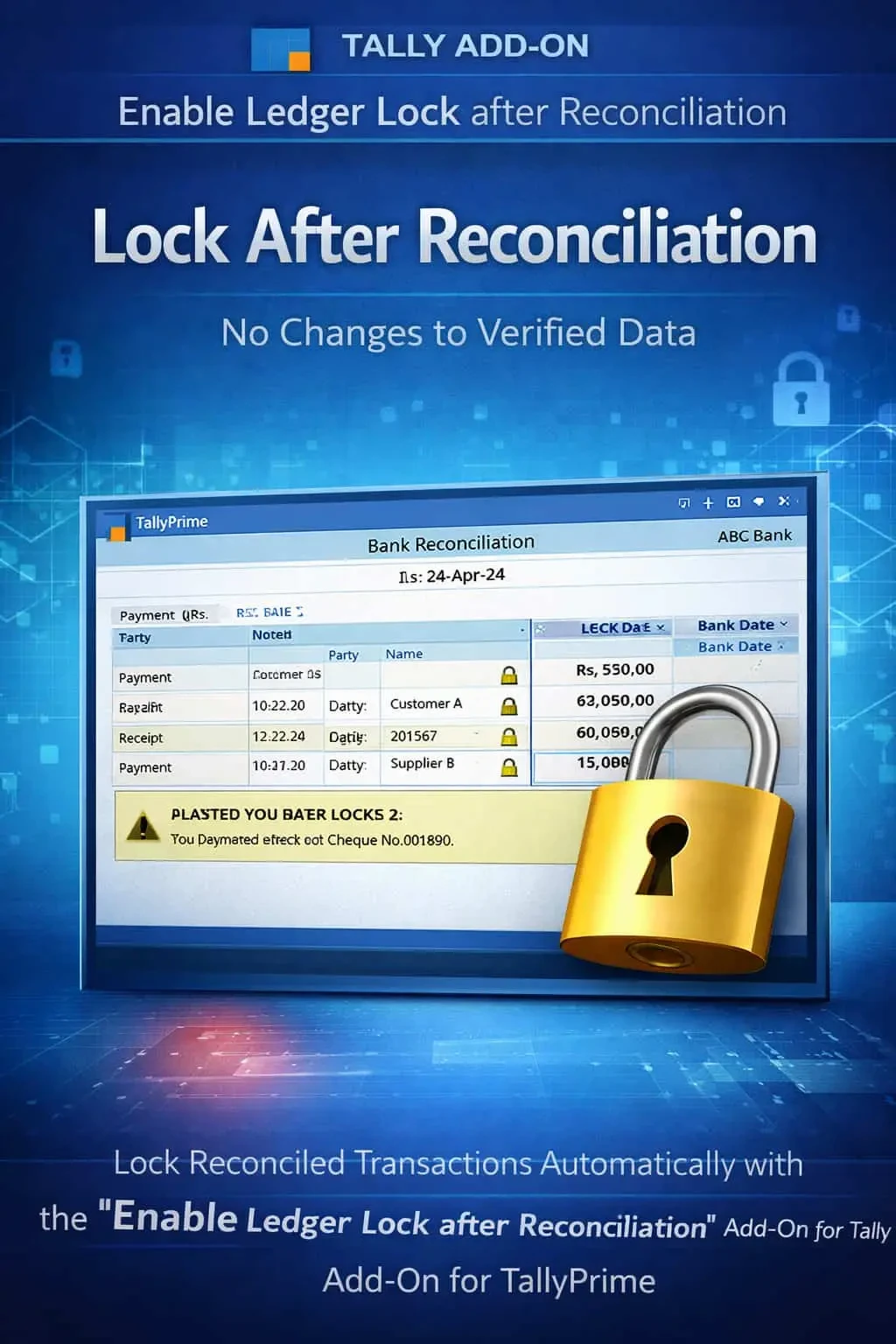
Enable Ledger Lock after Reconciliation
Automatically lock ledger after reconciliation in TallyPrime with Gitex Solutions add‑on. Prevent changes, ensure accuracy, and stay audit-ready.
Enable Ledger Lock after Reconciliation
Automatically lock ledger after reconciliation in TallyPrime with Gitex Solutions add‑on. Prevent changes, ensure accuracy, and stay audit-ready.
Bank and Ledger reconciliation are the final verification steps in accounting. Once your Tally books match your Bank Statement or Party Statement, the data should be considered "Final." However, in standard TallyPrime, even after reconciliation, entries remain open for modification, which leads to:
The Enable Ledger Lock after Reconciliation Add‑on by Gitex Solutions solves this by automatically "Freezing" transactions once they are marked as reconciled.
Accidental changes in reconciled entries that make the bank balance go out of sync.
Auditors finding differences between previously reconciled statements and current Tally data.
Management losing trust in "Verified" reports due to unauthorized back-dated edits.
Re-doing the entire reconciliation process because one entry was deleted by mistake.
Reconciliation is hard work. Doing it twice because of a user's mistake is a waste of resources. The Gitex Solutions Ledger Reconciliation Lock Add‑on ensures that verified data stays verified, protecting your business from the headache of mismatched bank books and party statements.
The Enable Ledger Lock after Reconciliation Add‑on by Gitex Solutions solves this by automatically "Freezing" transactions once they are marked as reconciled.
Add Your Review
Your email address will not be published. Required fields are marked *