


 TALLY PRIME ERP
 ZOHO ONE ERP
 VAYPAR
 ODOO ERP
 SAP Business One
 ORACLE NetSuite
 Biz Analyst
 CUSTOMISED POS SOFTWARES

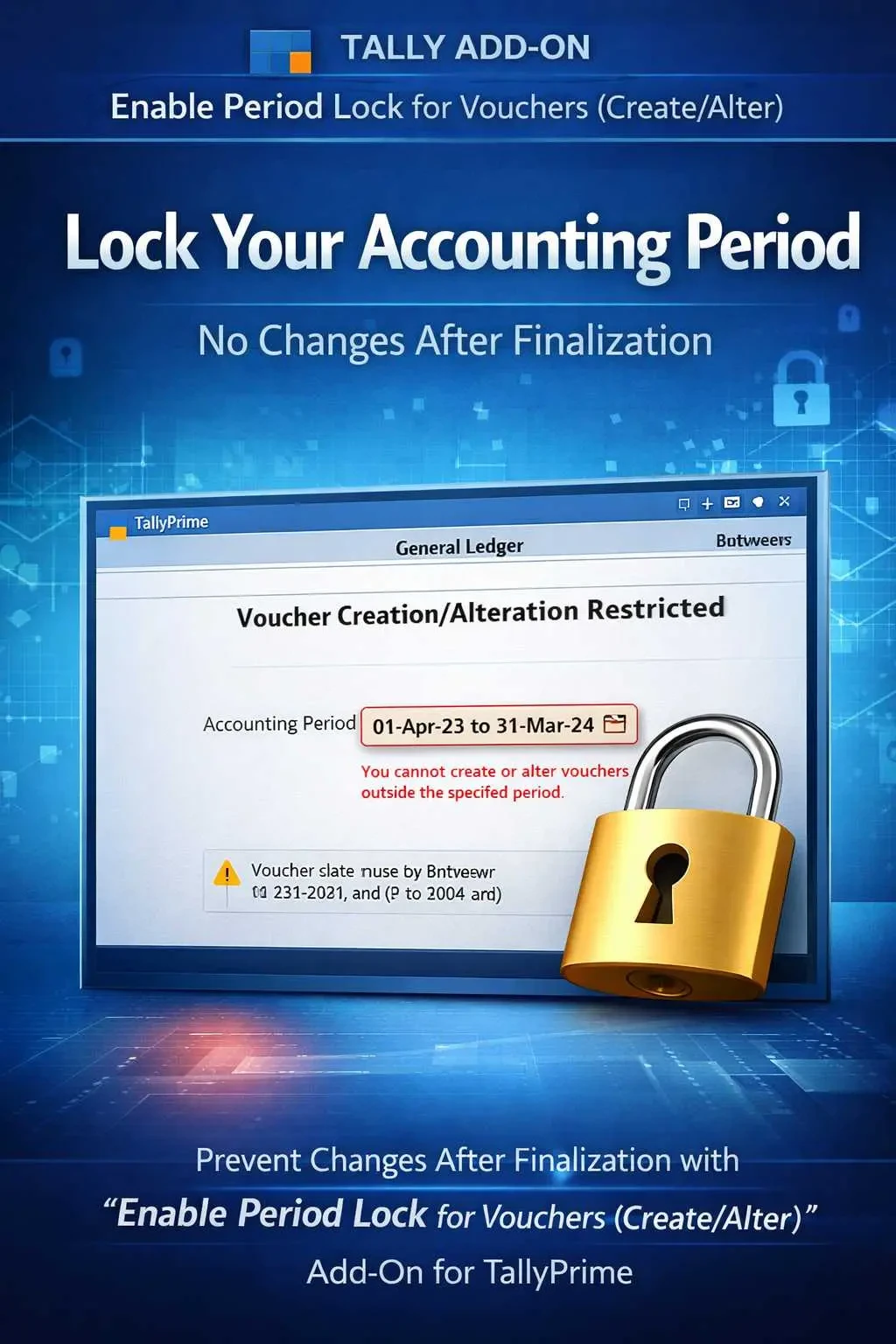
Enable Period Lock for Vouchers (Create/Alter)
Lock accounting periods in TallyPrime with Gitex Solutions add‑on. Prevent voucher creation and alteration, ensure data accuracy, and stay audit-ready.
Enable Period Lock for Vouchers (Create/Alter)
Lock accounting periods in TallyPrime with Gitex Solutions add‑on. Prevent voucher creation and alteration, ensure data accuracy, and stay audit-ready.
In any professional accounting workflow, once a period is finalized—whether it's a month, quarter, or financial year—it must remain untouched. However, in standard TallyPrime, users often have the ability to go back and alter old vouchers, which leads to:
The Enable Period Lock for Vouchers Add‑on by Gitex Solutions provides a robust locking mechanism, ensuring that once a period is closed, no creation or alteration is allowed without authorization.
Finalized Balance Sheets and P&L statements changing unexpectedly.
Alterations in a period where tax returns have already been filed.
Users modifying old entries to hide cash shortages or errors.
Difficulty in explaining "why" audited data was changed after finalization.
Data stability is the key to business trust. If your Profit & Loss account changes every time you open it because someone edited an old entry, your reporting is flawed. The Gitex Solutions Period Lock Control Add‑on enforces strict accounting discipline, protecting your finalized accounts from accidental or unauthorized changes.
The Enable Period Lock for Vouchers Add‑on by Gitex Solutions provides a robust locking mechanism, ensuring that once a period is closed, no creation or alteration is allowed without authorization.
Add Your Review
Your email address will not be published. Required fields are marked *