


 TALLY PRIME ERP
 ZOHO ONE ERP
 VAYPAR
 ODOO ERP
 SAP Business One
 ORACLE NetSuite
 Biz Analyst
 CUSTOMISED POS SOFTWARES

Enable Serial No. for Stock Items in Voucher Entry
Add and display product images in TallyPrime with Gitex Solutions add‑on. Improve inventory accuracy, reduce errors, and enable visual billing experience.
Enable Serial No. for Stock Items in Voucher Entry
Add and display product images in TallyPrime with Gitex Solutions add‑on. Improve inventory accuracy, reduce errors, and enable visual billing experience.
In modern businesses, especially those dealing with large inventories, visual identification of products plays a crucial role. However, in TallyPrime, stock items are traditionally managed using names, codes, or descriptions only, without any visual reference. This limitation can cause:
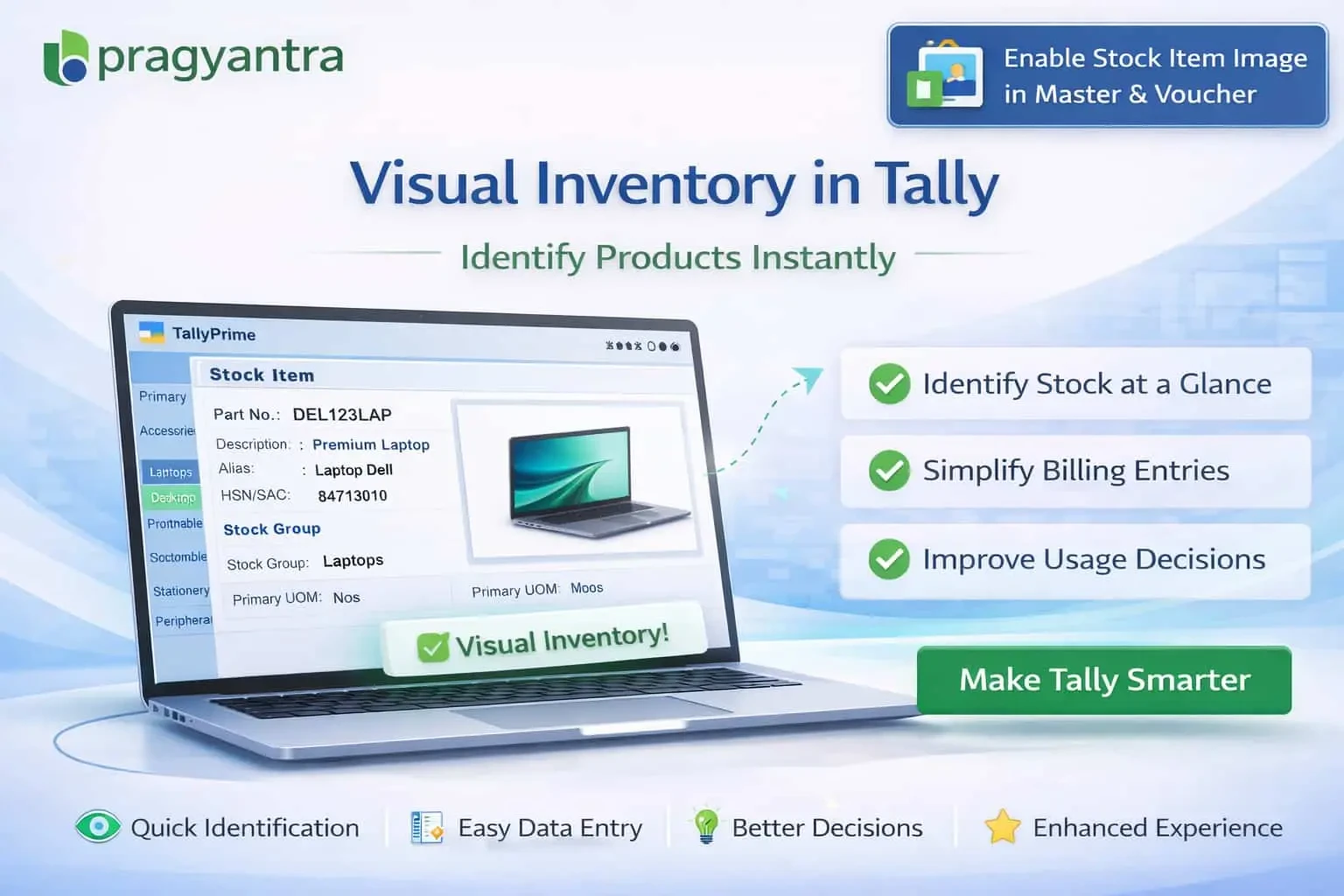
The Enable Stock Item Image in Master & Voucher Add‑on by Gitex Solutions enhances Tally by allowing users to attach and display product images directly in stock item masters and voucher entries, making your system more visual and accurate.
Attach product photos directly to each Stock Item Master.
View the product image instantly during Sales, Purchase, or Stock Journal entry.
Confirm you are billing the right item just by looking at the screen.
Lessen the need to memorize complex item codes or technical names.
Managing inventory without visual support leads to frequent mistakes. If your staff can see what they are billing, errors drop significantly. The Gitex Solutions Stock Item Image Add‑on solves this by transforming Tally into a visual inventory system, making it more intuitive for everyone involved.
Add and display product images in TallyPrime with Gitex Solutions add‑on. Improve inventory accuracy, reduce errors, and enable visual billing experience.
Add Your Review
Your email address will not be published. Required fields are marked *