


 TALLY PRIME ERP
 ZOHO ONE ERP
 VAYPAR
 ODOO ERP
 SAP Business One
 ORACLE NetSuite
 Biz Analyst
 CUSTOMISED POS SOFTWARES

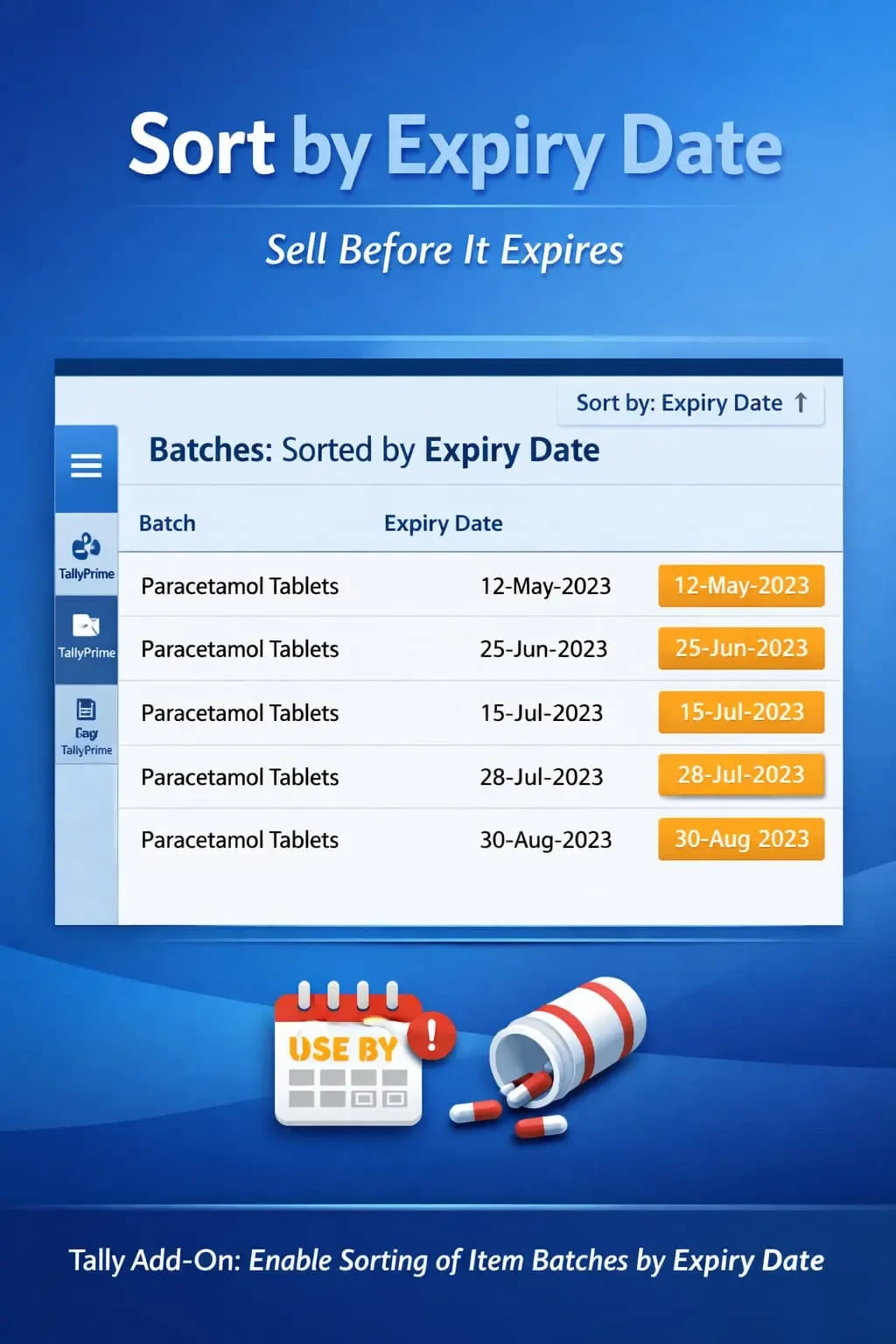
Enable Sorting of Item Batches by Expiry Date
Automatically sort pending bills by due date in TallyPrime with Gitex Solutions add‑on. Improve cash flow, track overdue payments, and manage receivables efficiently.
Enable Sorting of Item Batches by Expiry Date
Automatically sort pending bills by due date in TallyPrime with Gitex Solutions add‑on. Improve cash flow, track overdue payments, and manage receivables efficiently.
For businesses dealing with batch-wise inventory such as pharmaceuticals, FMCG, food, and chemicals, managing expiry dates is the most critical task. Without a structured way to view batches, businesses often face severe operational hurdles:
The Enable Sorting of Item Batches by Expiry Date Add‑on by Gitex Solutions solves this by automatically organizing your batches, putting the nearest expiry items right at the top during voucher entry.
Leading to legal risks and customer dissatisfaction.
Huge wastage because older stock remained hidden at the bottom of the list.
Inability to follow the FEFO (First Expiry First Out) method effectively.
Difficulty in meeting regulatory standards for perishable or medical goods.
In a fast-paced warehouse or retail counter, an operator doesn't have time to compare expiry dates of 10 different batches. If the system doesn't guide them, they will pick the easiest one—often the newest stock. The Gitex Solutions Batch Expiry Sorting Add‑on ensures automated stock discipline, protecting your business from inventory deadweight and wastage.
Automatically sort pending bills by due date in TallyPrime with Gitex Solutions add‑on. Improve cash flow, track overdue payments, and manage receivables efficiently.
Add Your Review
Your email address will not be published. Required fields are marked *