


 TALLY PRIME ERP
 ZOHO ONE ERP
 VAYPAR
 ODOO ERP
 SAP Business One
 ORACLE NetSuite
 Biz Analyst
 CUSTOMISED POS SOFTWARES

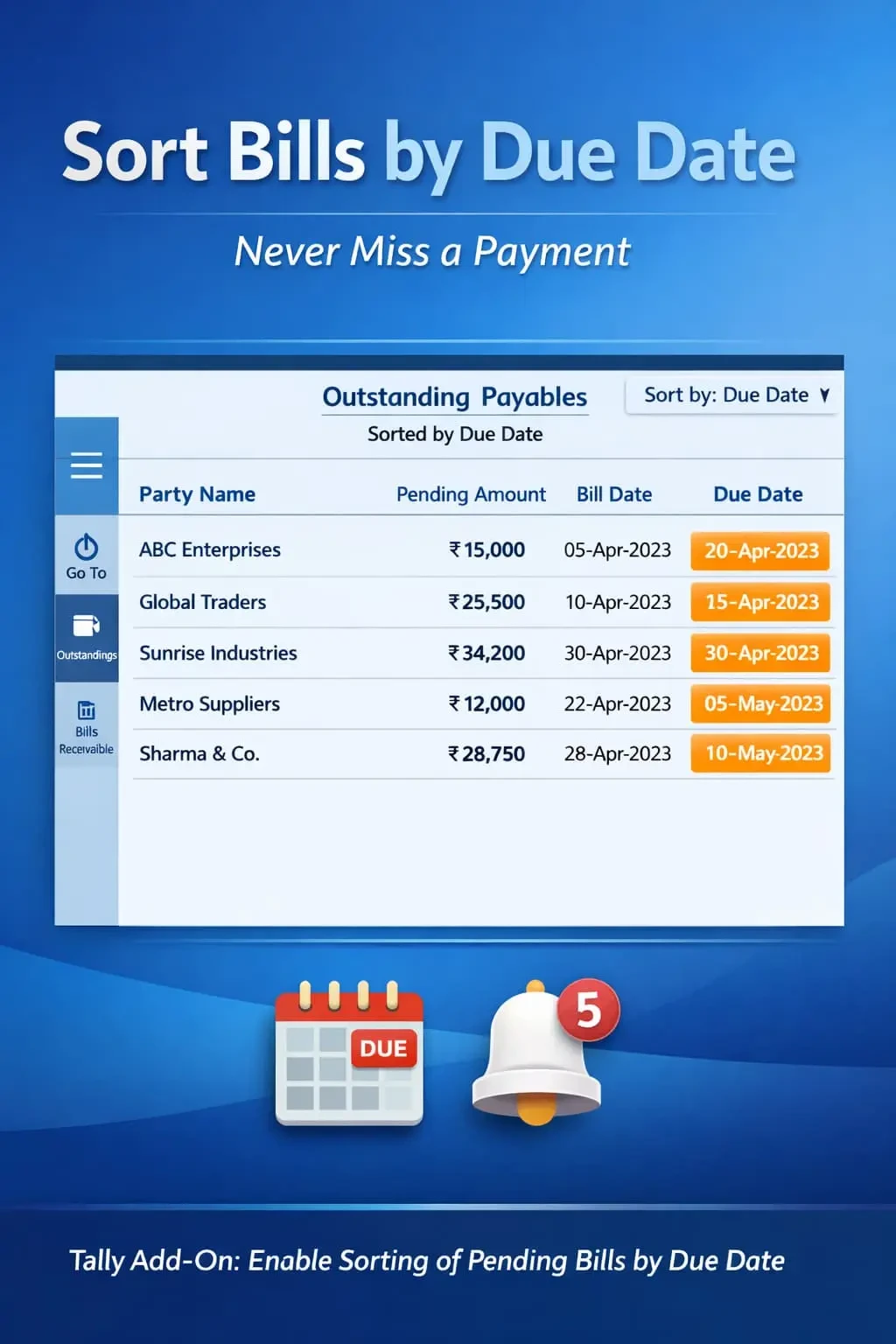
Enable Sorting of Pending Bills by Due Date
Automatically sort pending bills by due date in TallyPrime with Gitex Solutions add‑on. Improve cash flow, track overdue payments, and manage receivables efficiently.
Enable Sorting of Pending Bills by Due Date
Automatically sort pending bills by due date in TallyPrime with Gitex Solutions add‑on. Improve cash flow, track overdue payments, and manage receivables efficiently.
Managing pending bills and outstanding payments is a critical task for every business. Whether it’s collecting receivables from customers or clearing payables to suppliers, tracking the actual due dates ensures a healthy cash flow. In standard TallyPrime, pending bills are often listed by voucher date, which leads to:
This add‑on is a custom Tally module that reorganizes the visual structure of your outstanding reports. With this add‑on installed, Tally can:
Overlooking bills that are due today or already overdue.
Inability to prioritize customers who have crossed their credit period.
Difficulty in predicting exactly how much money is needed this week.
Wasting hours manually scanning the 'Due On' column to find the oldest bills.
In accounting, time is money. A bill that was generated 30 days ago might have a 60-day credit, while a bill generated yesterday might be due today. Sorting by "Voucher Date" doesn't help here. The Gitex Solutions Due Date Sorting Add‑on ensures priority-based bill management, making your finance department more proactive and less reactive.
Automatically sort pending bills by due date in TallyPrime with Gitex Solutions add‑on. Improve cash flow, track overdue payments, and manage receivables efficiently.
Add Your Review
Your email address will not be published. Required fields are marked *