


 TALLY PRIME ERP
 ZOHO ONE ERP
 VAYPAR
 ODOO ERP
 SAP Business One
 ORACLE NetSuite
 Biz Analyst
 CUSTOMISED POS SOFTWARES

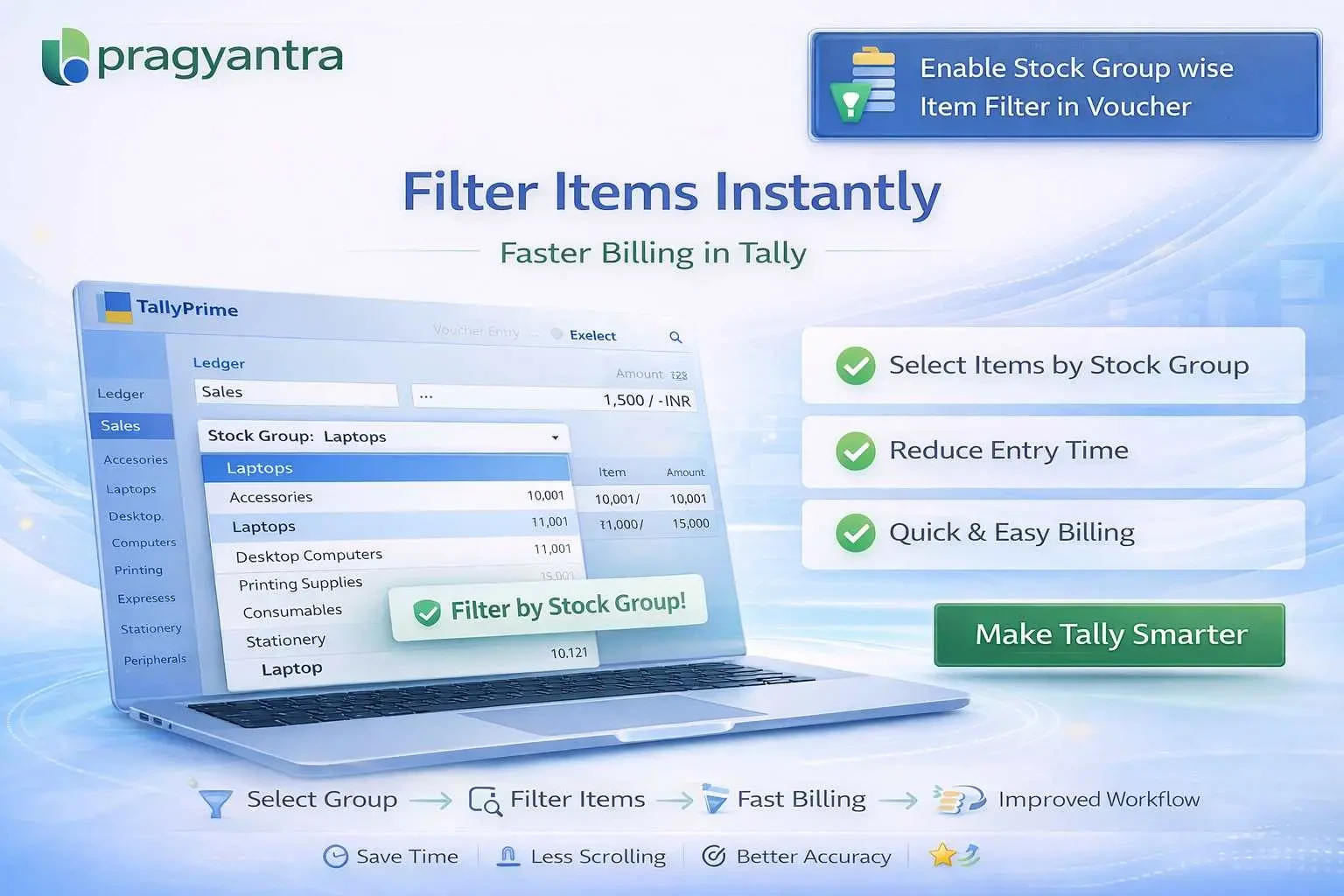
Enable Stock Group wise Item Filter in Voucher
Filter stock items by group in TallyPrime using Gitex Solutions add‑on. Speed up billing, reduce errors, and improve inventory management efficiency.
Enable Stock Group wise Item Filter in Voucher
Filter stock items by group in TallyPrime using Gitex Solutions add‑on. Speed up billing, reduce errors, and improve inventory management efficiency.
In businesses with large inventories, managing and selecting the right stock items during voucher entry in TallyPrime can be time-consuming and error-prone. When hundreds or thousands of items exist, users often struggle to find the correct product in a massive list. This leads to:
A large inventory system without filters is a bottleneck. If your staff has to scroll through 2,000 items to find one, you are losing valuable time. The Gitex Solutions Stock Group Filter Add‑on solves this by organizing your item selection logically, ensuring that billing stays fast even as your business scales.
Show items belonging only to a specific selected group during entry.
Reduce the clutter of seeing all items at once.
(e.g., Electronics > Laptops).
Only relevant items are displayed, ensuring a focused and fast billing experience.
A large inventory system without filters is a bottleneck. If your staff has to scroll through 2,000 items to find one, you are losing valuable time. The Gitex Solutions Stock Group Filter Add‑on solves this by organizing your item selection logically, ensuring that billing stays fast even as your business scales.
Filter stock items by group in TallyPrime using Gitex Solutions add‑on. Speed up billing, reduce errors, and improve inventory management efficiency.
Add Your Review
Your email address will not be published. Required fields are marked *