


 TALLY PRIME ERP
 ZOHO ONE ERP
 VAYPAR
 ODOO ERP
 SAP Business One
 ORACLE NetSuite
 Biz Analyst
 CUSTOMISED POS SOFTWARES

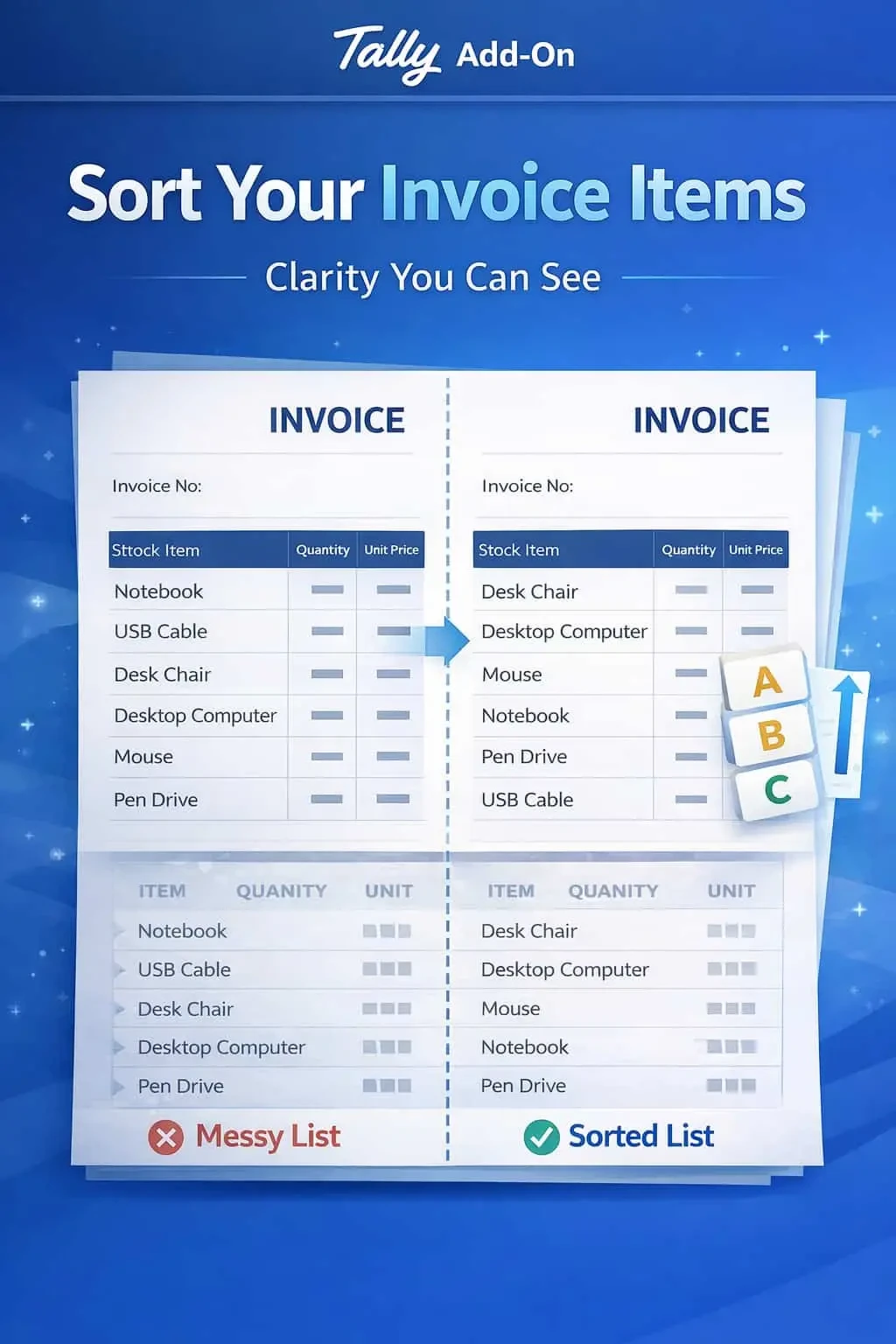
Enable Stock Item Sorting in Invoice Print
Automatically sort stock items in invoice print in TallyPrime with Gitex Solutions add‑on. Improve readability, professionalism, and invoice clarity.
Enable Stock Item Sorting in Invoice Print
Automatically sort stock items in invoice print in TallyPrime with Gitex Solutions add‑on. Improve readability, professionalism, and invoice clarity.
Invoices with a long list of stock items can often become messy and difficult to navigate, especially if the items appear in the random order they were entered. In standard TallyPrime, this lack of organization leads to:
This add‑on is a custom Tally module that re-orders the printing sequence of your stock items without affecting your original data entry. With this add‑on installed, Tally can:
Items are scattered, making the invoice look unprofessional.
Customers and warehouse staff struggle to cross-check items against physical stock.
A confusing bill can lead to payment delays and unnecessary queries.
Finding a specific item in a 50-item invoice becomes a time-consuming task.
A well-organized invoice is a sign of a well-organized business. If you are a wholesaler or distributor dealing with hundreds of SKUs, your customers appreciate a bill where they can find items quickly. The Gitex Solutions Item Sorting Add‑on helps you standardize your documentation, making your billing process transparent and highly professional.
Automatically sort stock items in invoice print in TallyPrime with Gitex Solutions add‑on. Improve readability, professionalism, and invoice clarity.
Add Your Review
Your email address will not be published. Required fields are marked *