


 TALLY PRIME ERP
 ZOHO ONE ERP
 VAYPAR
 ODOO ERP
 SAP Business One
 ORACLE NetSuite
 Biz Analyst
 CUSTOMISED POS SOFTWARES

Enable System Date as Current Date
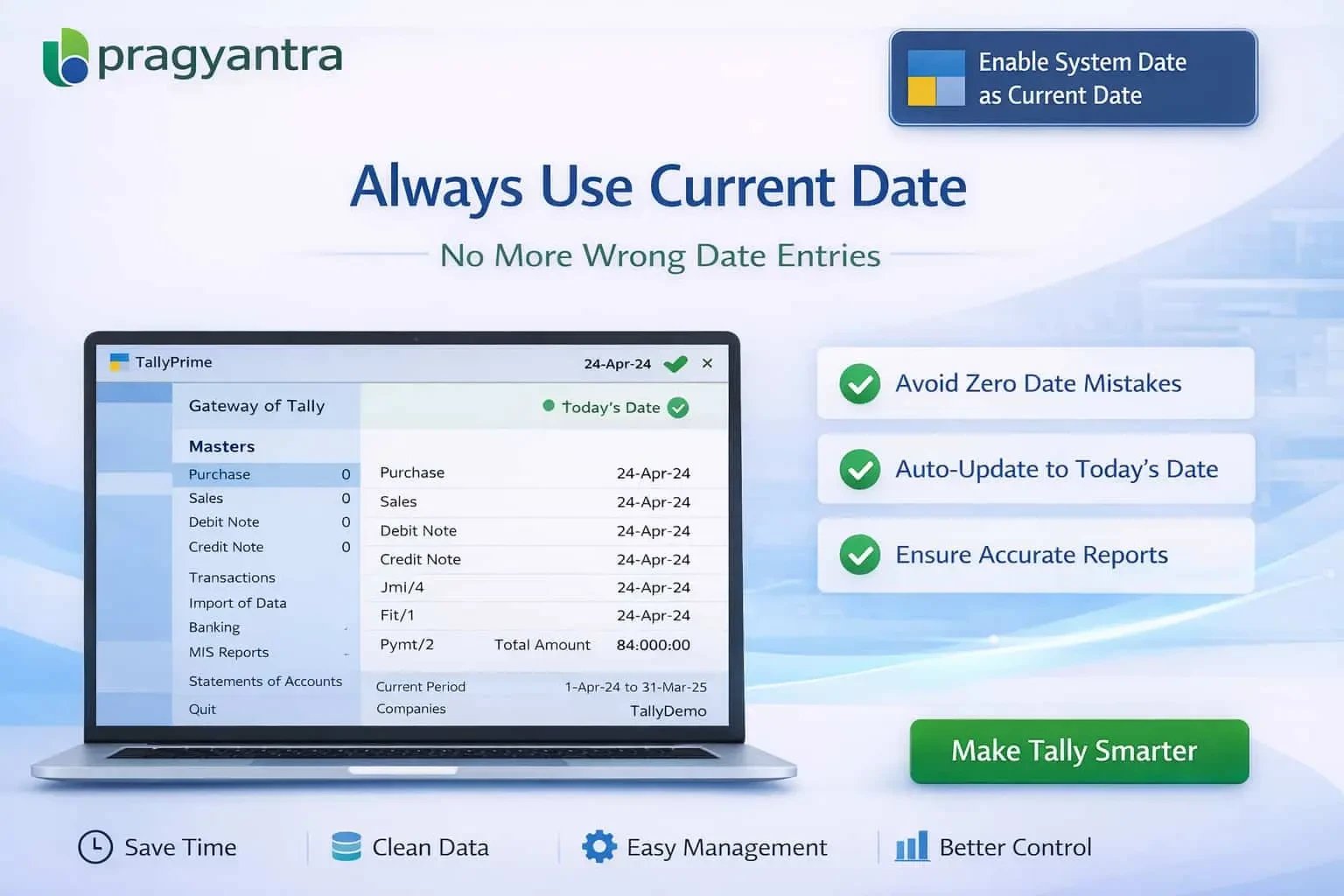
Automatically set system date to current date in TallyPrime with Gitex Solutions add‑on. Avoid date errors, improve accuracy, and ensure real-time accounting.
Enable System Date as Current Date
Automatically set system date to current date in TallyPrime with Gitex Solutions add‑on. Avoid date errors, improve accuracy, and ensure real-time accounting.
In accounting workflows, maintaining the correct system date in TallyPrime is essential for accurate transaction recording. However, in fast-paced business environments, users often forget to update the system date manually, leading to:
The Enable System Date as Current Date Add‑on by Gitex Solutions ensures that your Tally system date is always synchronized with the current calendar date automatically, eliminating the risk of human error.
Sets the date to 'Today' every time you open a company or start a new day.
Discourages the use of old system dates for current transactions.
Maintains a uniform date across all multi-user workstations.
All entries reflect the actual business date without manual intervention.
Incorrect system dates can cause a ripple effect of accounting issues, especially during month-end or GST returns. The Gitex Solutions System Date Automation Add‑on solves this by providing always-correct date synchronization, ensuring your data remains reliable and audit-ready at all times.
In accounting workflows, maintaining the correct system date in TallyPrime is essential for accurate transaction recording. However, in fast-paced business environments, users often forget to update the system date manually, leading to:
Add Your Review
Your email address will not be published. Required fields are marked *