


 TALLY PRIME ERP
 ZOHO ONE ERP
 VAYPAR
 ODOO ERP
 SAP Business One
 ORACLE NetSuite
 Biz Analyst
 CUSTOMISED POS SOFTWARES

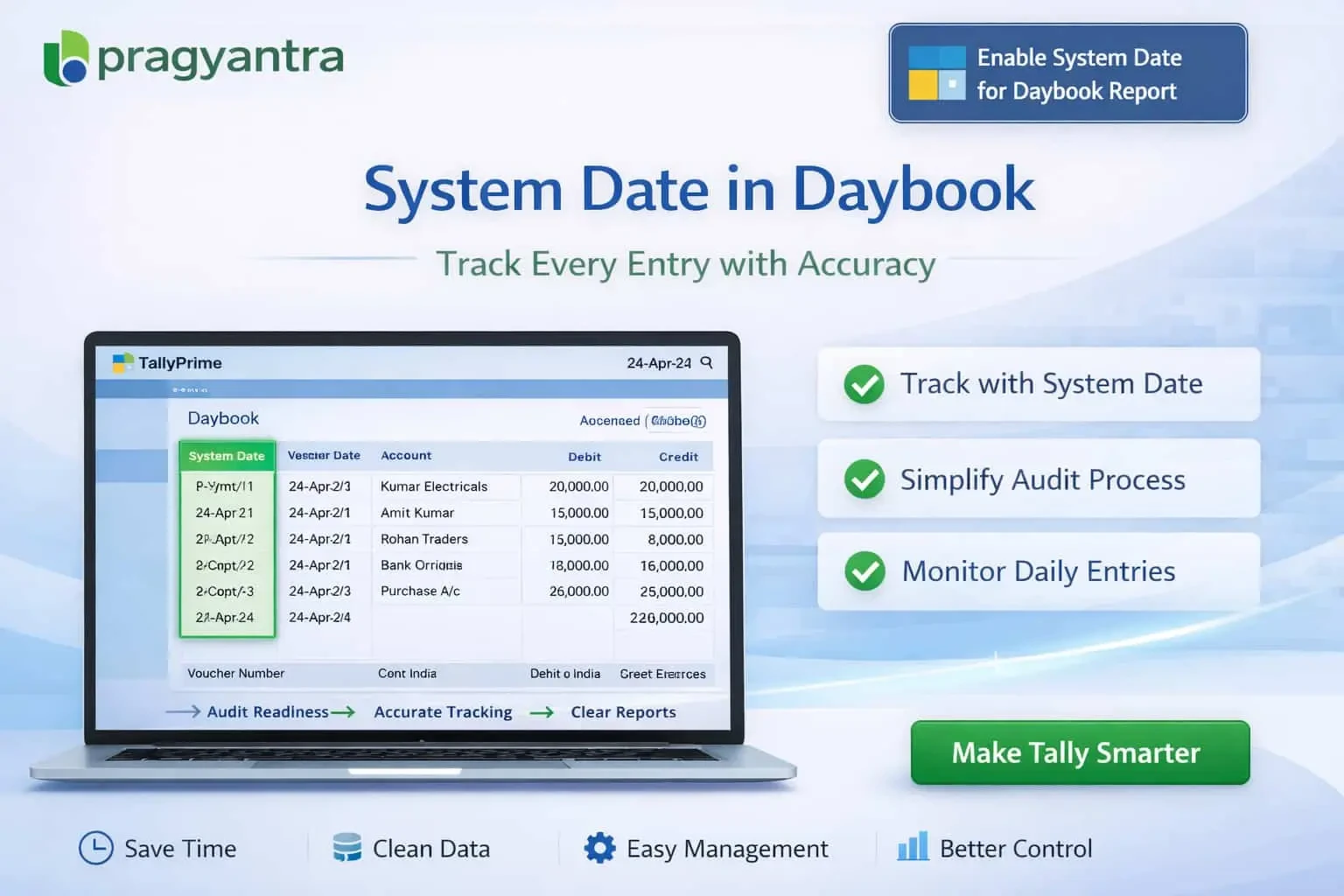
Enable System Date for Daybook Report
Show system entry date in Daybook report in TallyPrime with Gitex Solutions add‑on. Improve audit control, track backdated entries, and ensure transparency.
Enable System Date for Daybook Report
Show system entry date in Daybook report in TallyPrime with Gitex Solutions add‑on. Improve audit control, track backdated entries, and ensure transparency.
The Daybook report in TallyPrime is one of the most critical reports used for reviewing daily transactions like sales, purchases, and payments. However, by default, it only shows the Voucher Date (accounting date). It does not display the Actual System Entry Date (when the operator actually saved the entry). This gap can lead to:
The Enable System Date for Daybook Report Add‑on by Gitex Solutions enhances the Daybook by displaying the actual system entry date alongside voucher details, ensuring complete operational transparency.
The date you want the entry to show in books.
The actual calendar date when the entry was made.
Easily spot the gap between the two dates for every transaction.
Voucher Number, Ledger name, and Amount remain fully integrated.
Relying only on voucher dates is a major security risk. If an entry for April is made in June, a standard Daybook won't tell you. The Gitex Solutions Daybook System Date Add‑on solves this by providing dual visibility, making it impossible for delayed or backdated data entry to stay hidden from management.
Show system entry date in Daybook report in TallyPrime with Gitex Solutions add‑on. Improve audit control, track backdated entries, and ensure transparency.
Add Your Review
Your email address will not be published. Required fields are marked *