


 TALLY PRIME ERP
 ZOHO ONE ERP
 VAYPAR
 ODOO ERP
 SAP Business One
 ORACLE NetSuite
 Biz Analyst
 CUSTOMISED POS SOFTWARES

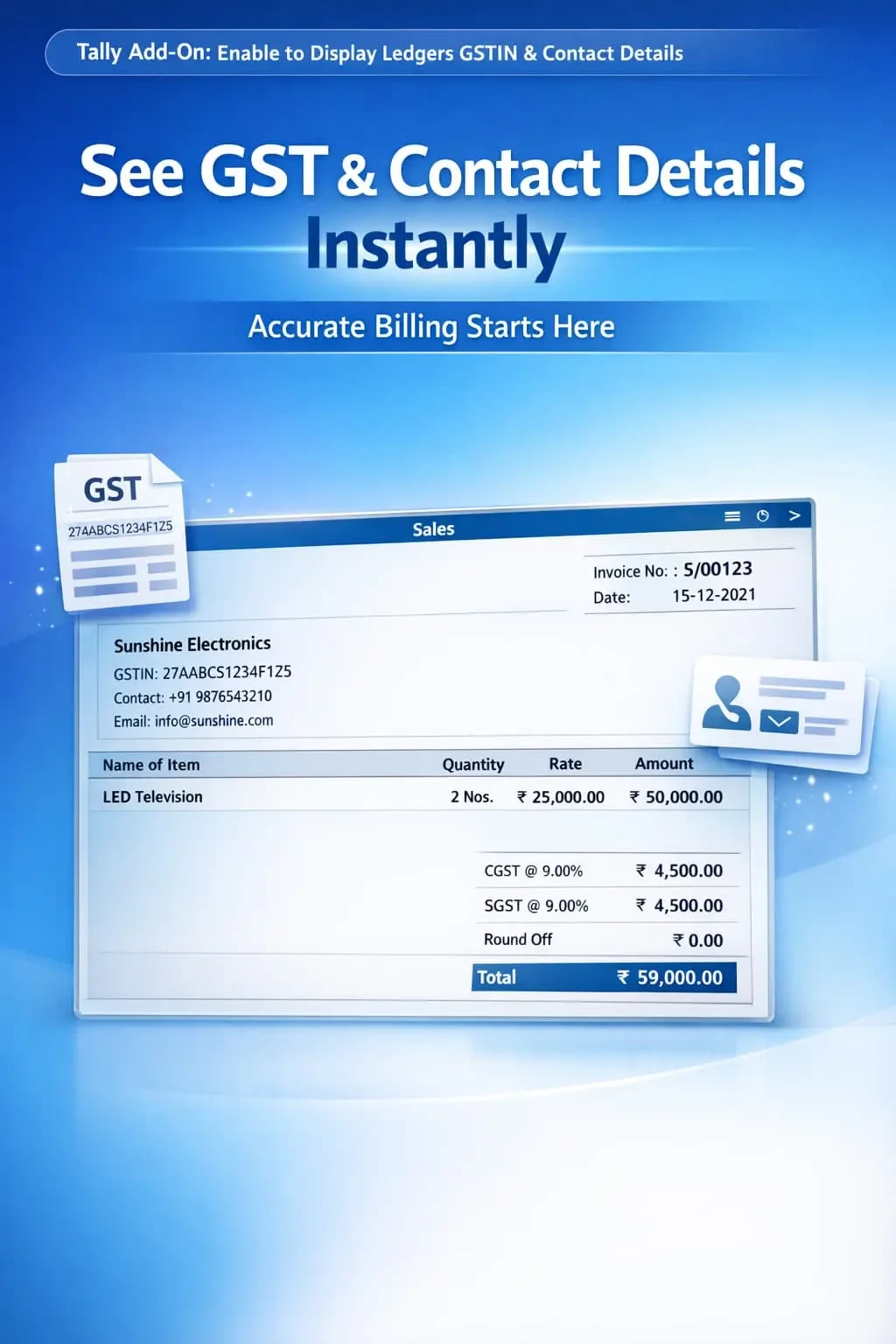
Enable to Display Ledgers GSTIN & Contact Details
Show GSTIN, mobile number, email, and address during voucher entry in TallyPrime with Gitex Solutions add‑on. Improve accuracy, speed, and GST compliance.
Enable to Display Ledgers GSTIN & Contact Details
Show GSTIN, mobile number, email, and address during voucher entry in TallyPrime with Gitex Solutions add‑on. Improve accuracy, speed, and GST compliance.
In GST-enabled businesses, having accurate ledger information like GSTIN, Mobile Number, and Address is essential for professional invoicing and tax compliance. However, in standard TallyPrime, these details are hidden inside the master records, forcing users to:
The Enable to Display Ledgers GSTIN & Contact Details Add‑on by Gitex Solutions solves this problem by bringing complete ledger details instantly to your voucher entry screen.
Wasting time pressing Ctrl+Enter to check a GST number.
Risk of billing to the wrong GSTIN if the party has multiple branches.
Difficulty in finding a phone number or email while creating an urgent invoice.
Constantly switching between the voucher screen and the ledger profile.
Searching for a customer's phone number or GSTIN in separate reports is a bottleneck. If you have similar party names, the GSTIN is the only way to be 100% sure before saving the invoice. The Gitex Solutions Ledger Info Add‑on provides instant access to key party details, making your billing process transparent and professional.
Show GSTIN, mobile number, email, and address during voucher entry in TallyPrime with Gitex Solutions add‑on. Improve accuracy, speed, and GST compliance.
Add Your Review
Your email address will not be published. Required fields are marked *