


 TALLY PRIME ERP
 ZOHO ONE ERP
 VAYPAR
 ODOO ERP
 SAP Business One
 ORACLE NetSuite
 Biz Analyst
 CUSTOMISED POS SOFTWARES

Enable User-wise Button/Key Access Control
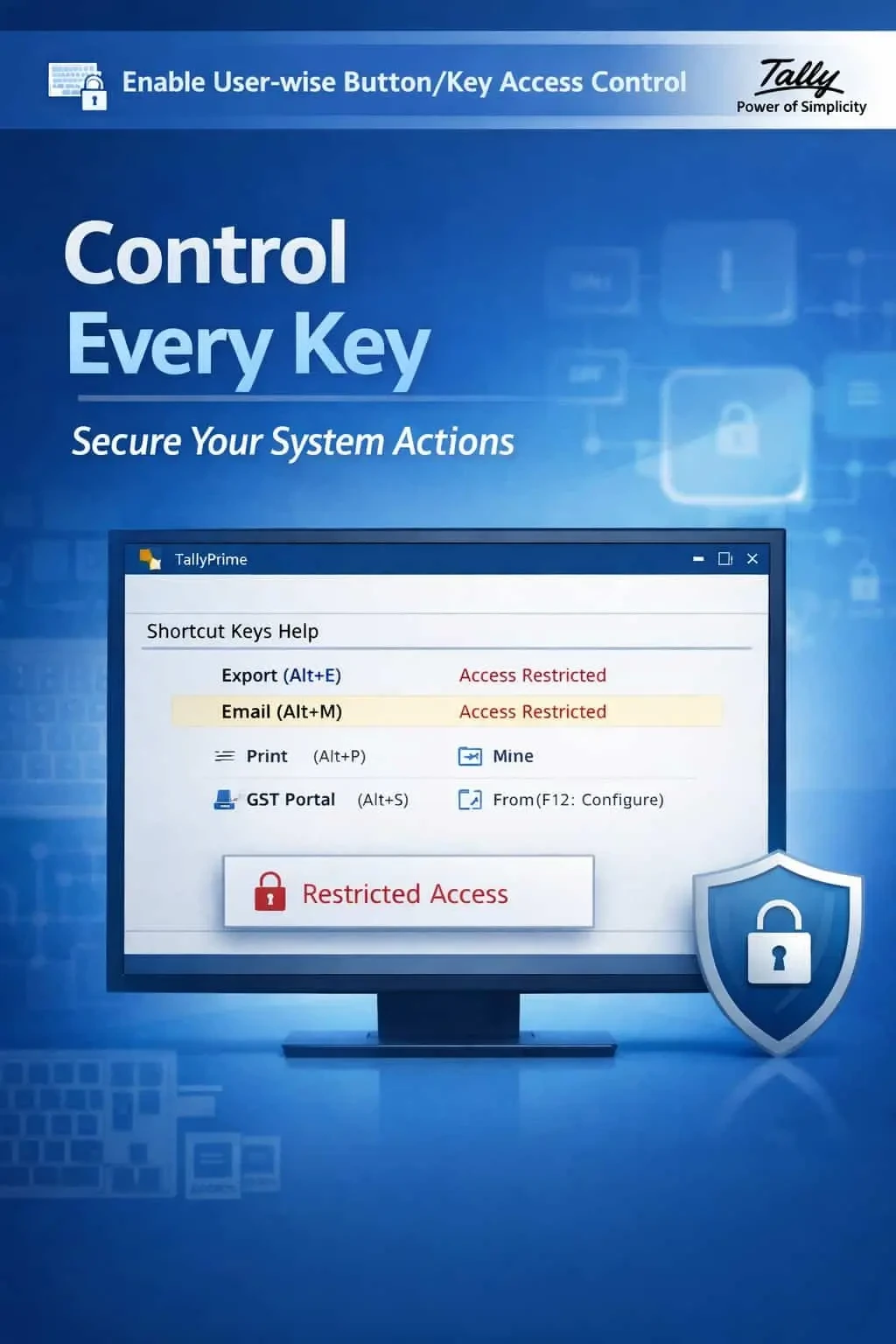
Control shortcut keys and button access user-wise in TallyPrime with Gitex Solutions add‑on. Improve security, prevent errors, and manage user actions effectively.
Enable User-wise Button/Key Access Control
Control shortcut keys and button access user-wise in TallyPrime with Gitex Solutions add‑on. Improve security, prevent errors, and manage user actions effectively.
In TallyPrime, power-users rely heavily on shortcut keys (F-keys, Alt combinations, Ctrl keys) to speed up work. However, in a multi-user environment, giving this same "power" to every operator can be dangerous. Unrestricted access to shortcut keys often leads to:
The Enable User-wise Button/Key Access Control Add‑on by Gitex Solutions allows businesses to "Switch Off" specific buttons and shortcut keys for selected users, ensuring total operational discipline.
Juniors using Alt+D to delete vouchers or Alt+X to cancel them without permission.
Pressing the wrong F-key and entering data into a completely different voucher type.
Bypassing standard menus to access sensitive reports via shortcuts.
Operators performing bulk operations that should be reserved for seniors or admins.
Control is the foundation of data security. If your billing clerk can accidentally delete a three-month-old invoice with a simple Alt+D, your internal audit is at risk. The Gitex Solutions Key Control Add‑on ensures that users can only perform actions they are authorized for, reducing human error and preventing internal data tampering.
The Enable User-wise Button/Key Access Control Add‑on by Gitex Solutions allows businesses to "Switch Off" specific buttons and shortcut keys for selected users, ensuring total operational discipline.
Add Your Review
Your email address will not be published. Required fields are marked *