


 TALLY PRIME ERP
 ZOHO ONE ERP
 VAYPAR
 ODOO ERP
 SAP Business One
 ORACLE NetSuite
 Biz Analyst
 CUSTOMISED POS SOFTWARES

Enable User-wise Godown Security Control
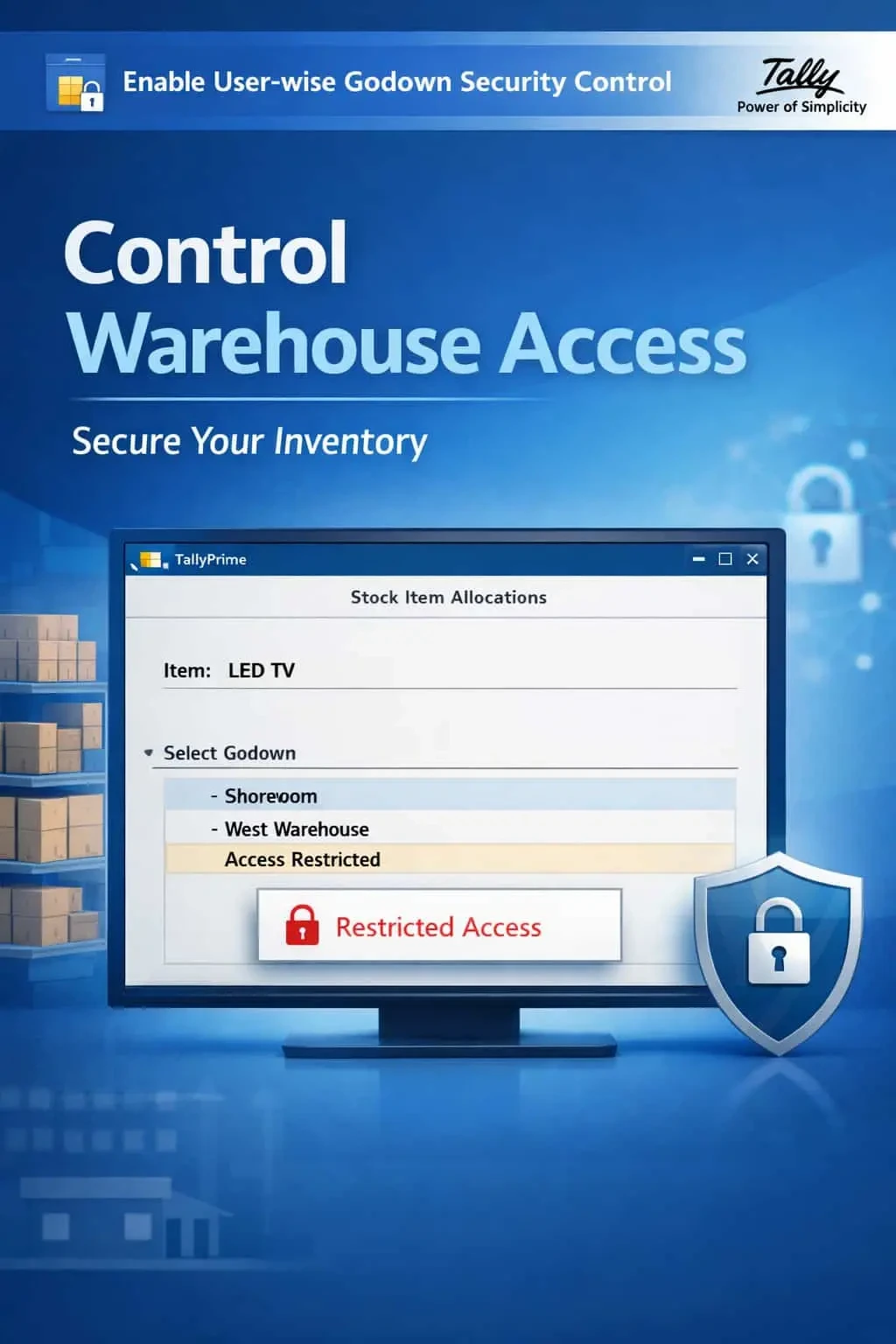
Restrict godown access user-wise in TallyPrime with Gitex Solutions add‑on. Improve inventory accuracy, enhance security, and control warehouse operations efficiently.
Enable User-wise Godown Security Control
Restrict godown access user-wise in TallyPrime with Gitex Solutions add‑on. Improve inventory accuracy, enhance security, and control warehouse operations efficiently.
Managing inventory across multiple locations (Godowns) requires high precision and strict access control. In a standard TallyPrime environment, any user with inventory access can view or move stock across any warehouse. This lack of restriction often leads to:
The Enable User-wise Godown Security Control Add‑on by Gitex Solutions solves this by allowing you to "Map" specific Godowns to specific users, ensuring total warehouse discipline.
Users making entries for godowns they don't physically manage.
Booking stock in the wrong warehouse, causing major physical-vs-system mismatches.
Staff viewing sensitive stock levels of other high-value branches or secret storage units.
Difficulty in identifying which operator was responsible for a specific warehouse's stock discrepancy.
In retail chains or large distribution networks, an operator at "Branch A" should have no business entering stock for "Branch B." If your Raw Material in-charge can see the Finished Goods godown, or if a shop floor worker can access the main warehouse data, it weakens your internal inventory control. The Gitex Solutions Godown Security Add‑on ensures that every user works strictly within their assigned physical territory.
The Enable User-wise Godown Security Control Add‑on by Gitex Solutions solves this by allowing you to "Map" specific Godowns to specific users, ensuring total warehouse discipline.
Add Your Review
Your email address will not be published. Required fields are marked *