


 TALLY PRIME ERP
 ZOHO ONE ERP
 VAYPAR
 ODOO ERP
 SAP Business One
 ORACLE NetSuite
 Biz Analyst
 CUSTOMISED POS SOFTWARES

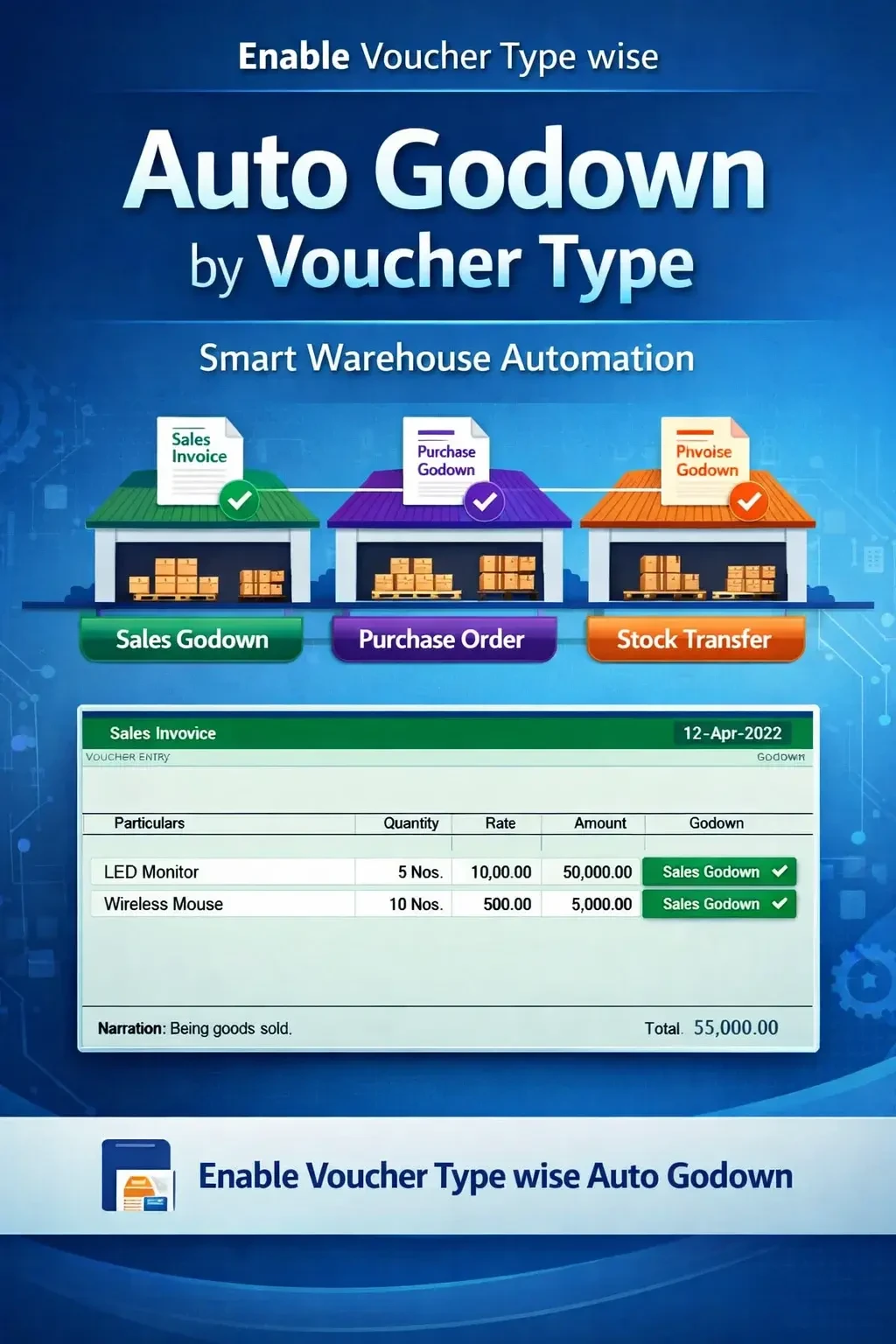
Enable Voucher Type wise Auto Godown
Automatically assign godown based on voucher type in TallyPrime with Gitex Solutions add‑on. Improve inventory accuracy, reduce errors, and automate warehouse allocation.
Enable Voucher Type wise Auto Godown
Automatically assign godown based on voucher type in TallyPrime with Gitex Solutions add‑on. Improve inventory accuracy, reduce errors, and automate warehouse allocation.
In businesses handling multiple inventory transactions, different voucher types (such as Sales, Purchase, Stock Journal, Delivery Notes) are often physically linked to specific godowns (warehouses). However, in TallyPrime, users usually need to manually select the godown for every transaction, which leads to:
The Enable Voucher Type wise Auto Godown Add‑on by Gitex Solutions solves this by automatically mapping specific godowns to your voucher types, ensuring faster entry and 100% accurate warehouse tracking.
Sales being picked from the Raw Material store by mistake.
Inventory records showing items in the wrong warehouse.
Operators wasting time selecting the same godown repeatedly for every invoice.
Difficulty in reconciling physical stock with digital voucher data.
Manual selection is not just slow; it's risky. In a multi-user environment, if one operator selects the wrong warehouse, it messes up the entire Stock Summary. The Gitex Solutions Voucher-wise Godown Automation Add‑on enables workflow-based automation, making your inventory handling structured and error-free.
In businesses handling multiple inventory transactions, different voucher types (such as Sales, Purchase, Stock Journal, Delivery Notes) are often physically linked to specific godowns (warehouses). However, in TallyPrime, users usually need to manually select the godown for every transaction, which leads to:
Add Your Review
Your email address will not be published. Required fields are marked *