


 TALLY PRIME ERP
 ZOHO ONE ERP
 VAYPAR
 ODOO ERP
 SAP Business One
 ORACLE NetSuite
 Biz Analyst
 CUSTOMISED POS SOFTWARES

Export File Name with Voucher Type & Number
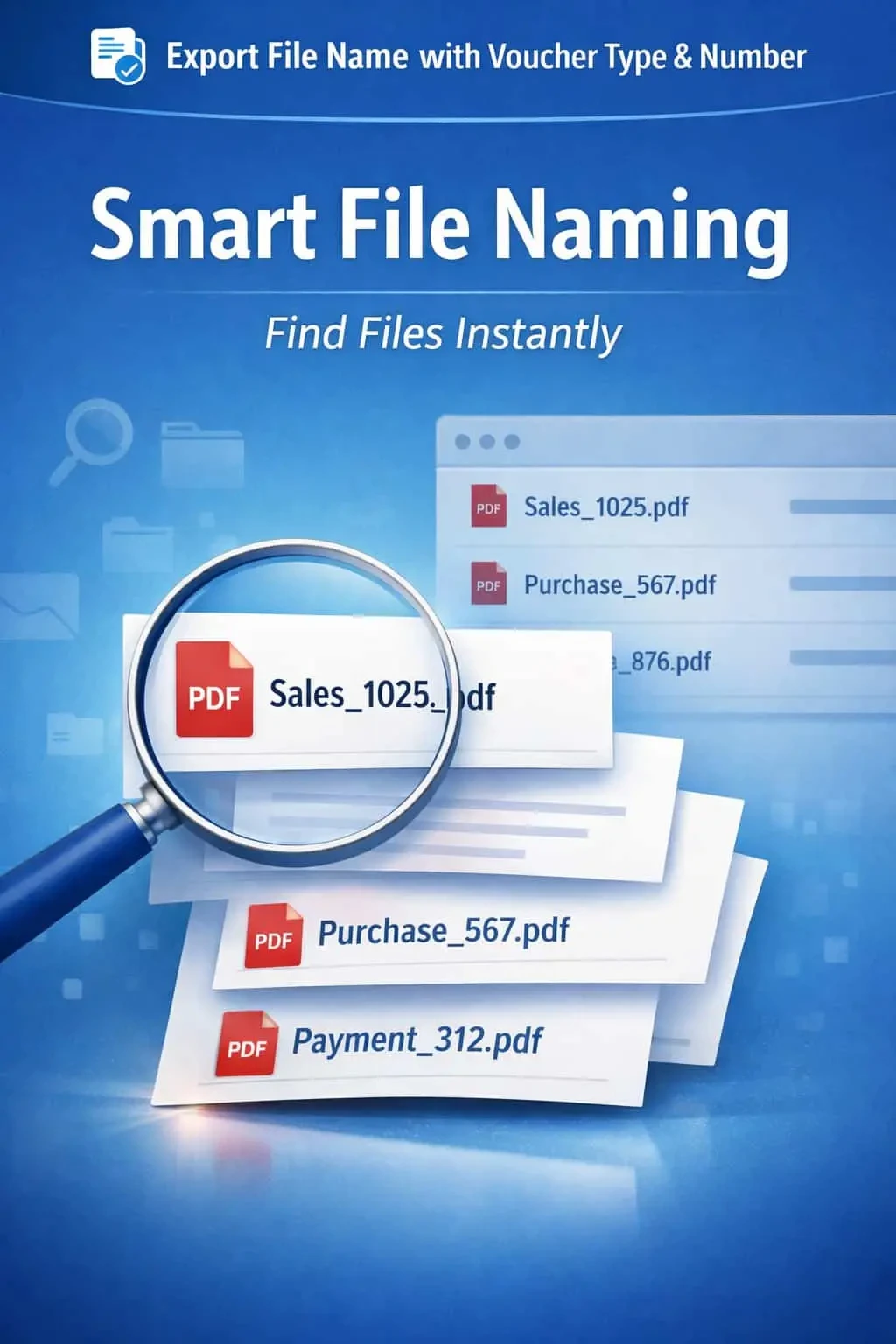
Automatically name exported files in TallyPrime using voucher type and number with Gitex Solutions add‑on. Improve file management, save time, and organize documents efficiently.
Export File Name with Voucher Type & Number
Automatically name exported files in TallyPrime using voucher type and number with Gitex Solutions add‑on. Improve file management, save time, and organize documents efficiently.
Exporting invoices and vouchers as PDFs or Excel sheets is a daily task for most businesses. However, TallyPrime’s default export naming is often generic (e.g., sales.pdf), which leads to significant document management issues:
This add‑on is a custom Tally module that overrides the default naming logic of the export function. With this add‑on installed, Tally can:
orts often overwrite previous ones because they share the same default name.
Spending hours manually renaming files to "Sales_Inv_101.pdf" before emailing them.
Difficulty in finding a specific invoice in a folder full of "invoice(1).pdf", "invoice(2).pdf".
Sending files with generic names to clients looks unorganized and unprofessional.
In a digital office, organized documentation is a necessity, not a luxury. If your accounting team exports hundreds of vouchers for the Auditor or for client communication, manual renaming is a massive waste of productive time. The Gitex Solutions Export Naming Add‑on provides speed and structure, making your digital archives easy to search and audit.
Automatically name exported files in TallyPrime using voucher type and number with Gitex Solutions add‑on. Improve file management, save time, and organize documents efficiently.
Add Your Review
Your email address will not be published. Required fields are marked *