


 TALLY PRIME ERP
 ZOHO ONE ERP
 VAYPAR
 ODOO ERP
 SAP Business One
 ORACLE NetSuite
 Biz Analyst
 CUSTOMISED POS SOFTWARES

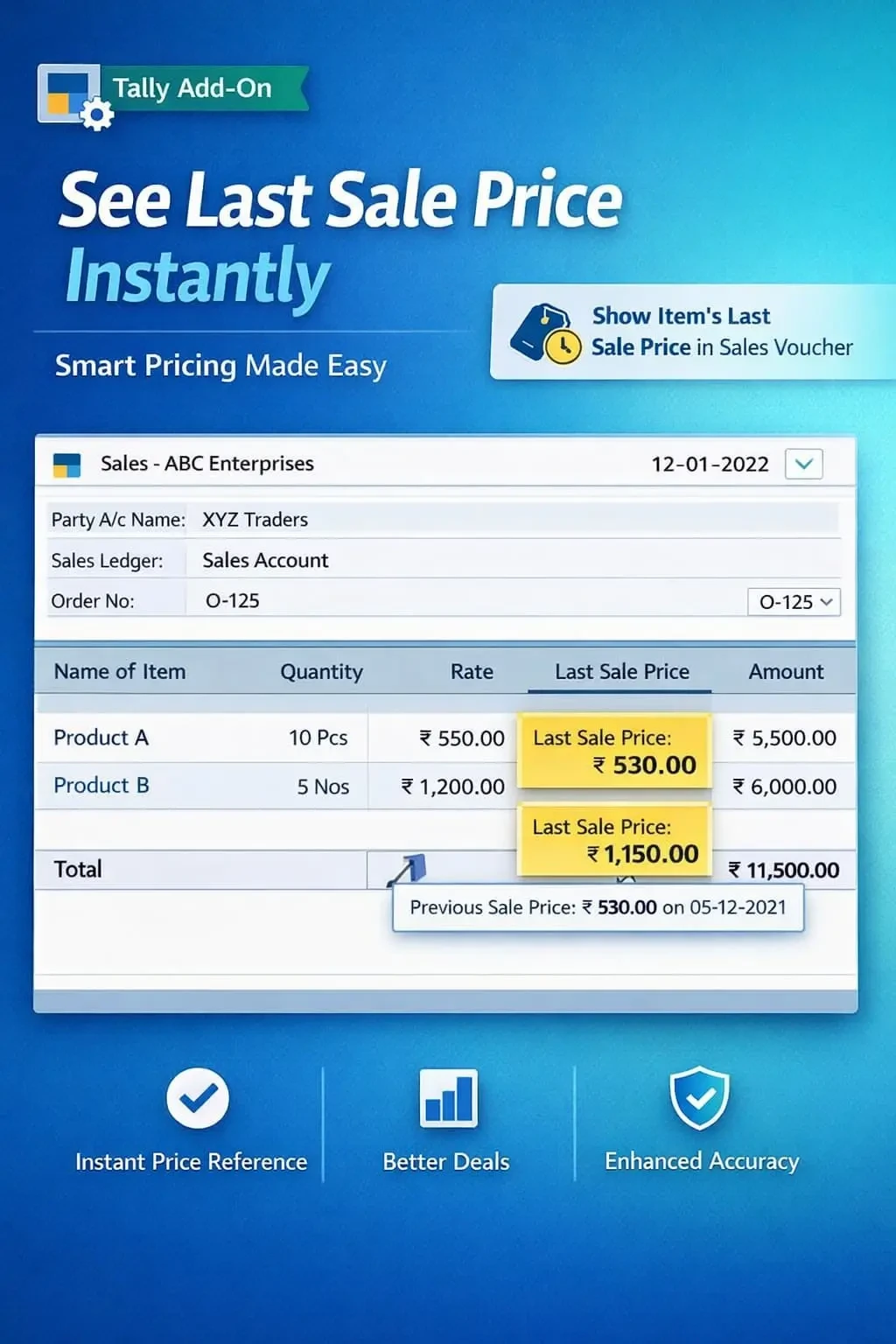
Show Item’s Last Sale Price in Sales Voucher
Display item’s last sale price during sales voucher entry in TallyPrime with Gitex Solutions add‑on. Improve pricing accuracy, maintain margins, and speed up billing.
Show Item’s Last Sale Price in Sales Voucher
Display item’s last sale price during sales voucher entry in TallyPrime with Gitex Solutions add‑on. Improve pricing accuracy, maintain margins, and speed up billing.
In competitive business environments, pricing plays a crucial role in profitability. While creating sales invoices in TallyPrime, knowing the last sale price of an item helps businesses maintain consistency and protect margins. However, by default, Tally does not show this during entry, leading to:
The Show Item’s Last Sale Price in Sales Voucher Add‑on by Gitex Solutions solves this by displaying the most recent sold price instantly during sales entry.
Quoting inconsistent rates to different customers for the same product.
Accidentally underpricing an item because the most recent hiked rate was forgotten.
Wasting minutes searching through previous invoices or Stock Query reports.
Inability to confidently justify a price to a customer without historical data.
Consistency builds trust. If you charge different rates for the same product without a clear record, it hurts your professional image. The Gitex Solutions Last Sale Price Add‑on ensures that price history is always at your fingertips, allowing you to negotiate better and maintain your bottom line.
In competitive business environments, pricing plays a crucial role in profitability. While creating sales invoices in TallyPrime, knowing the last sale price of an item helps businesses maintain consistency and protect margins. However, by default, Tally does not show this during entry, leading to:
Add Your Review
Your email address will not be published. Required fields are marked *