


 TALLY PRIME ERP
 ZOHO ONE ERP
 VAYPAR
 ODOO ERP
 SAP Business One
 ORACLE NetSuite
 Biz Analyst
 CUSTOMISED POS SOFTWARES

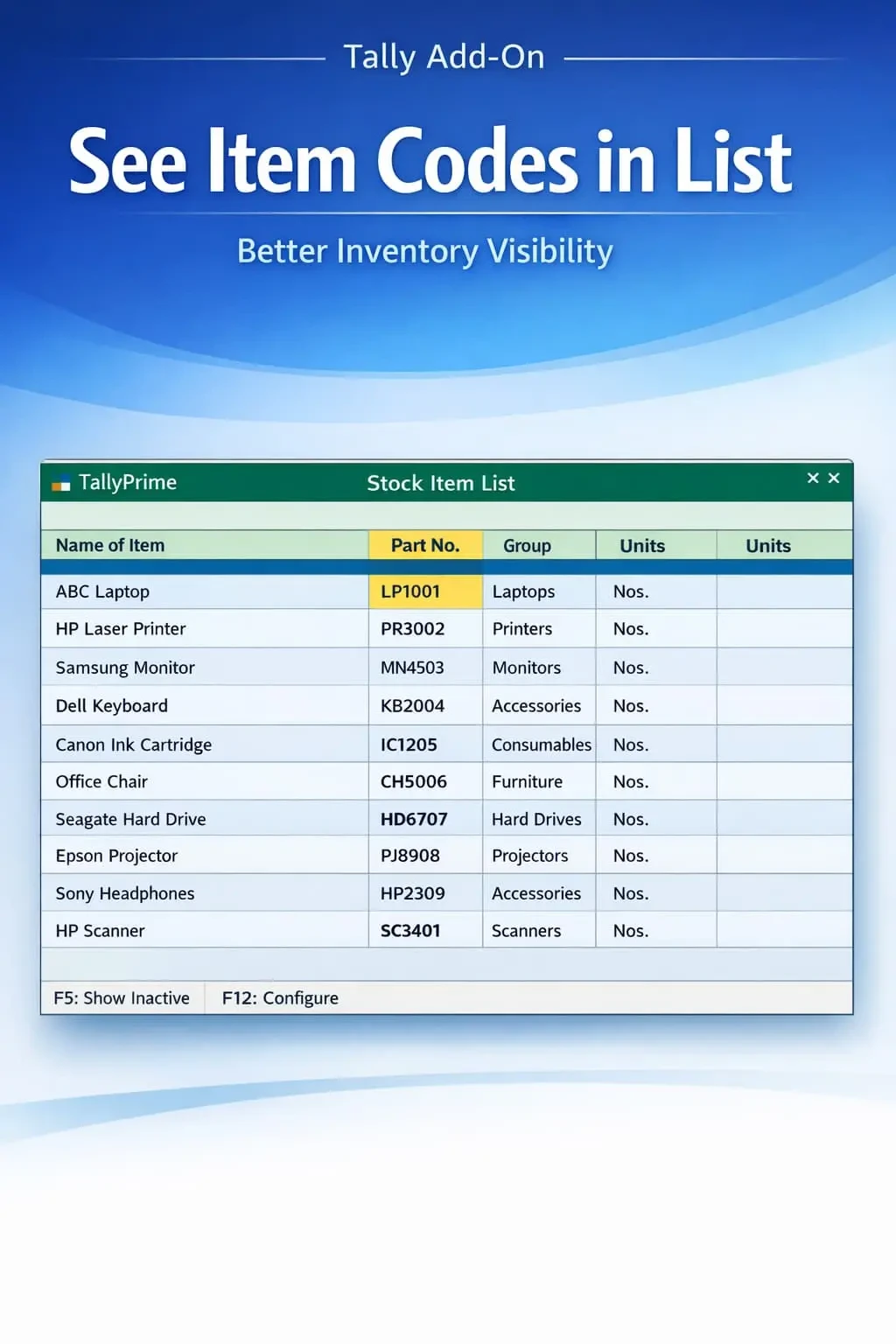
Show Item’s Part No. in List of Stock Item Table
Display item part numbers in stock item list in TallyPrime with Gitex Solutions add‑on. Improve inventory visibility, reduce errors, and speed up item identification.
Show Item’s Part No. in List of Stock Item Table
Display item part numbers in stock item list in TallyPrime with Gitex Solutions add‑on. Improve inventory visibility, reduce errors, and speed up item identification.
In inventory-heavy industries like automobile, electronics, hardware, and distribution, stock items are often identified using unique Part Numbers (Item Codes) rather than just descriptive names. However, in standard TallyPrime, the List of Stock Items typically shows only item names, making it difficult to:
This add‑on is a custom Tally module that transforms the default "List of Items" table into a more informative and searchable data grid. With this add‑on installed, Tally can:
Displays the 'Part Number' right next to the 'Stock Item Name' in selection tables.
Instantly recognize items using both their accounting name and technical code.
Type the part number in any search bar to highlight the correct item instantly.
Navigate through thousands of SKUs with ease and professional accuracy.
Managing a massive catalog without part number visibility is inefficient and leads to errors. If you sell spare parts or electronic components, two items might have identical names but serve completely different models. The Gitex Solutions Item Part Number List Add‑on solves this by structuring your item display logically, saving your team hours of manual cross-verification.
Display item part numbers in stock item list in TallyPrime with Gitex Solutions add‑on. Improve inventory visibility, reduce errors, and speed up item identification.
Add Your Review
Your email address will not be published. Required fields are marked *