


 TALLY PRIME ERP
 ZOHO ONE ERP
 VAYPAR
 ODOO ERP
 SAP Business One
 ORACLE NetSuite
 Biz Analyst
 CUSTOMISED POS SOFTWARES

Show Outstanding and Ledger Vouchers During Entry
View outstanding balances and ledger vouchers during entry in TallyPrime with Gitex Solutions add‑on. Improve accuracy, speed, and decision-making in accounting.
Show Outstanding and Ledger Vouchers During Entry
View outstanding balances and ledger vouchers during entry in TallyPrime with Gitex Solutions add‑on. Improve accuracy, speed, and decision-making in accounting.
In day-to-day accounting, while creating vouchers in TallyPrime, users often need to check critical information like customer/supplier outstanding balances, pending bills, or previous transactions. However, by default, Tally does not provide instant visibility of these details during entry, leading to:
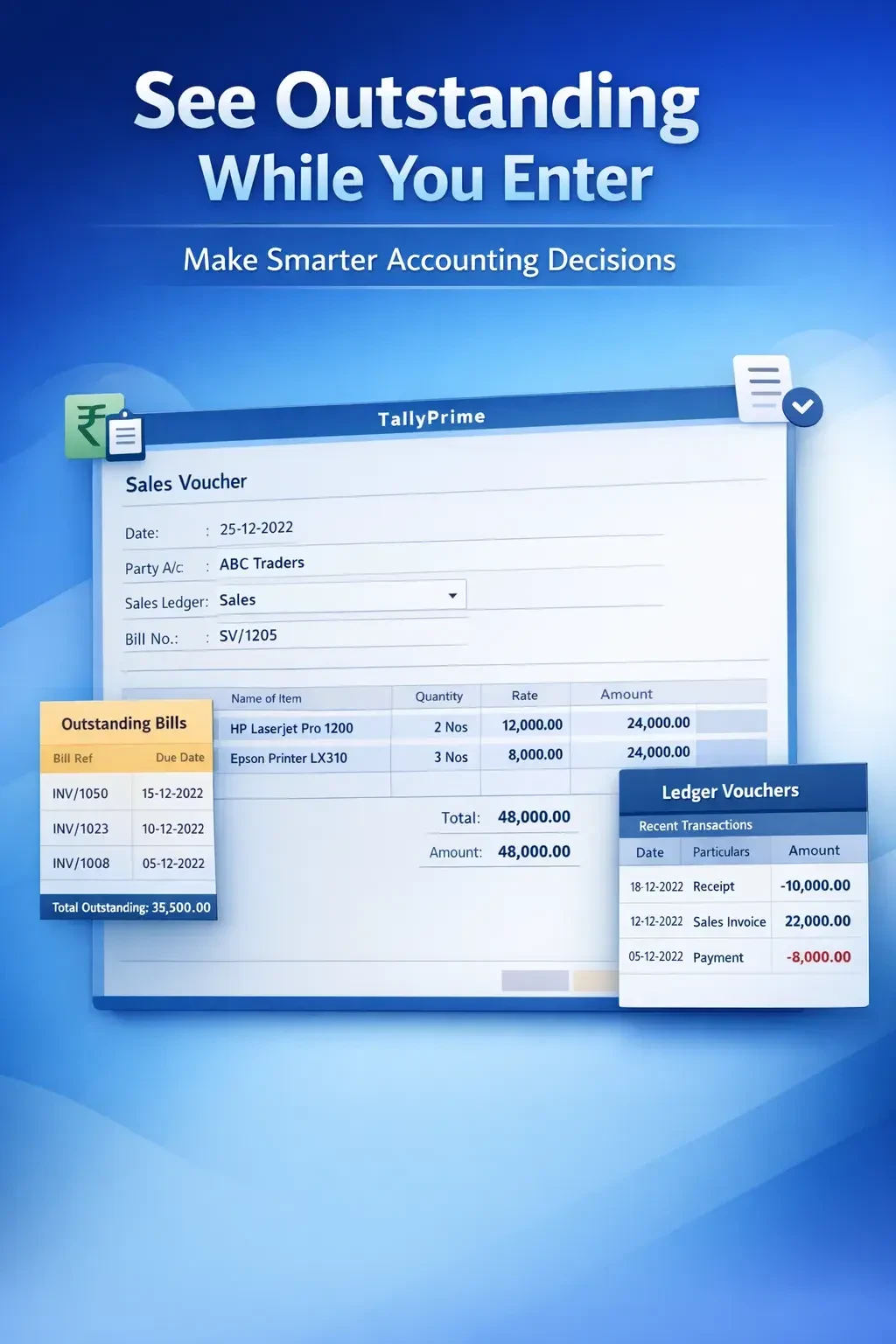
The Show Outstanding and Ledger Vouchers During Entry Add‑on by Gitex Solutions solves this by displaying real-time financial insights right where you need them—inside the voucher entry screen.
Instantly list all pending bills of the selected ledger.
View the last few transactions to understand the party's buying/payment pattern.
See total balance and bill-wise break-up without leaving the screen.
Helps users select the correct bills while adjusting 'Against Ref' entries.
Without real-time visibility, accounting becomes a manual "guess and check" process. The Gitex Solutions Outstanding & Voucher Display Add‑on ensures informed financial actions, helping your team collect payments faster and pay vendors accurately without any calculation errors.
View outstanding balances and ledger vouchers during entry in TallyPrime with Gitex Solutions add‑on. Improve accuracy, speed, and decision-making in accounting.
Add Your Review
Your email address will not be published. Required fields are marked *