


 TALLY PRIME ERP
 ZOHO ONE ERP
 VAYPAR
 ODOO ERP
 SAP Business One
 ORACLE NetSuite
 Biz Analyst
 CUSTOMISED POS SOFTWARES

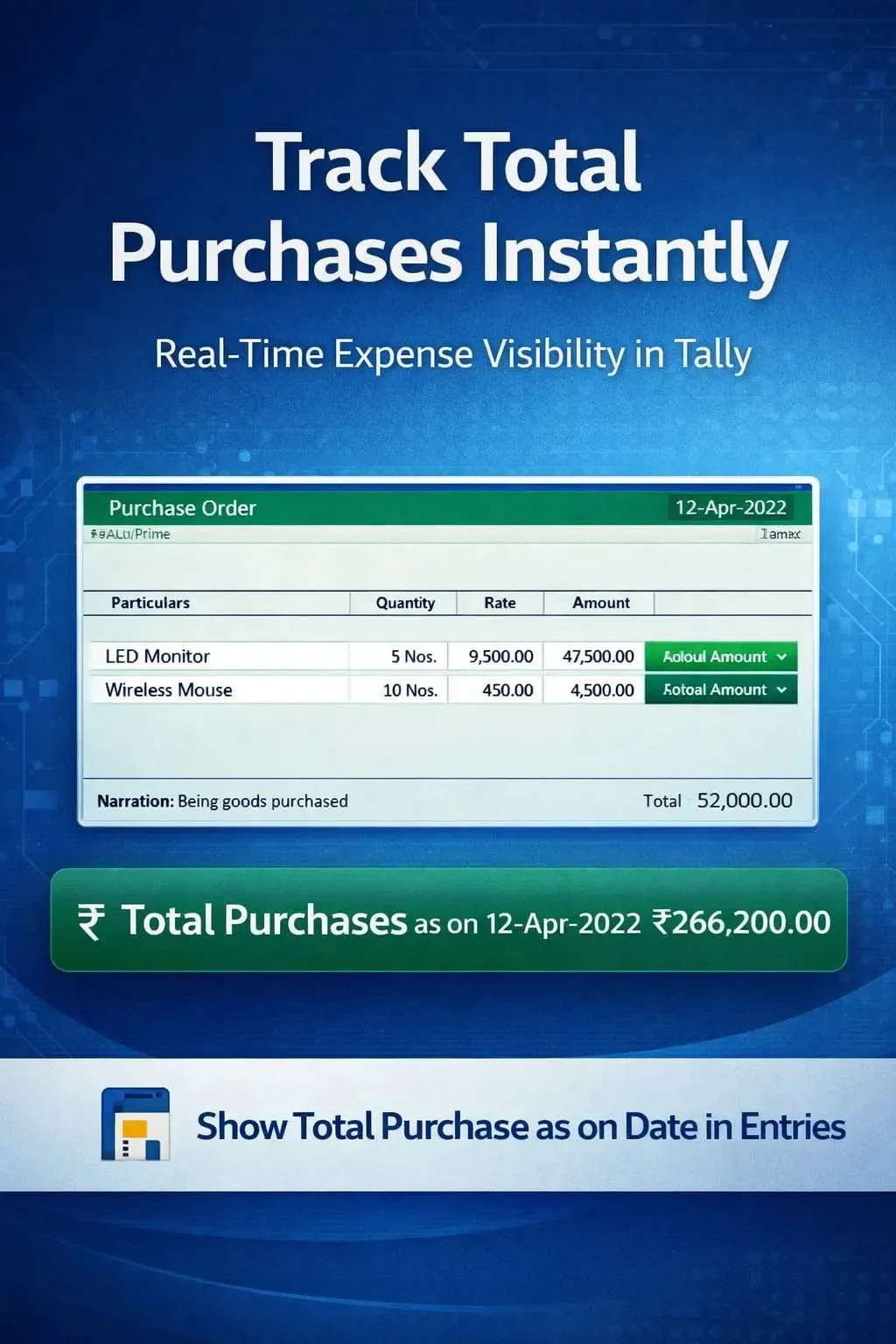
Show Total Purchase as on Date in Entries
View total purchase as on date during voucher entry in TallyPrime with Gitex Solutions add‑on. Track expenses in real-time and improve financial control.
Show Total Purchase as on Date in Entries
View total purchase as on date during voucher entry in TallyPrime with Gitex Solutions add‑on. Track expenses in real-time and improve financial control.
In purchase-driven businesses, tracking total purchase value in real-time is crucial for managing costs, supplier payments, and budgeting. However, in TallyPrime, while entering purchase vouchers, users do not get instant visibility of the total purchases made up to that specific date. This can lead to:
The Show Total Purchase as on Date in Entries Add‑on by Pragyantra enables businesses to view the cumulative purchase amount directly during voucher entry, allowing for proactive financial management.
Cumulative Purchase View: Display the total value of all purchases recorded up to the current date.
The total updates as soon as a new purchase bill is saved.
Helps managers see if the procurement for the month is exceeding the planned budget.
Keeps the user focused on the entry screen without needing to check the Profit & Loss account.
Uncontrolled purchasing can lead to a cash flow crisis. To maintain healthy margins, you need to know exactly how much you have already committed to suppliers. The Gitex Solutions Purchase Tracking Add‑on ensures that cost control is integrated into your data entry process, making procurement more transparent and disciplined.
In purchase-driven businesses, tracking total purchase value in real-time is crucial for managing costs, supplier payments, and budgeting. However, in TallyPrime, while entering purchase vouchers, users do not get instant visibility of the total purchases made up to that specific date. This can lead to:
Add Your Review
Your email address will not be published. Required fields are marked *