


 TALLY PRIME ERP
 ZOHO ONE ERP
 VAYPAR
 ODOO ERP
 SAP Business One
 ORACLE NetSuite
 Biz Analyst
 CUSTOMISED POS SOFTWARES

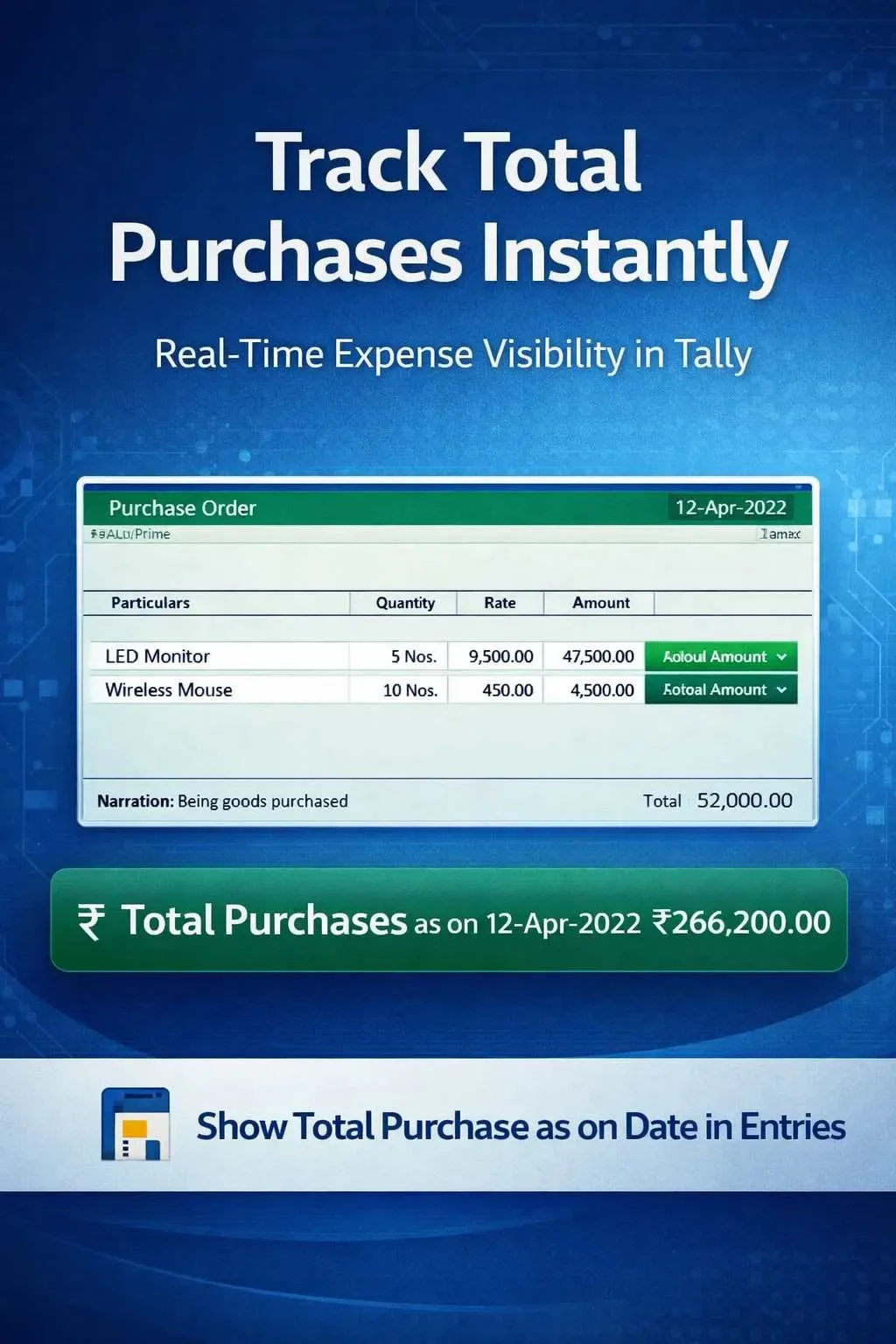
Show Total Sales as on Date in Entries
View total sales as on date during voucher entry in TallyPrime with Gitex Solutions add‑on. Track performance in real-time and make faster business decisions.
Show Total Sales as on Date in Entries
View total sales as on date during voucher entry in TallyPrime with Gitex Solutions add‑on. Track performance in real-time and make faster business decisions.
In fast-paced business environments, especially in sales-driven organizations, tracking real-time sales performance is crucial. However, in TallyPrime, while entering sales vouchers, users do not get immediate visibility of the cumulative sales done up to that specific date. This lack of visibility can lead to:
The Show Total Sales as on Date in Entries Add‑on by Gitex Solutions enables businesses to view the cumulative sales amount directly during voucher entry, empowering users with real-time financial insights.
Automatically calculate and display total sales value up to the current voucher date.
The total refreshes instantly as new sales vouchers are saved.
Helps the sales team see how close they are to their daily/monthly goals.
Transforms a simple entry screen into a performance monitoring tool.
Waiting for the end of the day to check reports is an outdated practice. To stay competitive, you need to know your numbers while you are working. The Gitex Solutions Sales Tracking Add‑on ensures that you always have your finger on the pulse of your business, making your sales operations more transparent and data-driven.
View total sales as on date during voucher entry in TallyPrime with Gitex Solutions add‑on. Track performance in real-time and make faster business decisions.
Add Your Review
Your email address will not be published. Required fields are marked *